







Microsoft 365 for Healthcare
Control who can access what across every Microsoft 365 site
Hospitals and health systems manage hundreds of SharePoint sites and Teams workspaces, with external providers and rotating staff cycling in and out constantly. Orchestry gives IT one place to provision sites to standard, keep guest access in check, and retire what is no longer used.
Book a Demo67%
of workspaces inactive within 90 days at first measure
700+
inactive Teams archived via lifecycle management
$393K
reclaimed in year one by archiving inactive workspaces
Results achieved with Orchestry by healthcare organizations.

THE REAL PROBLEM
Rotating staff and outside providers. Sites that outlive both.
In healthcare, access changes every week. The risk builds quietly:
Guests who keep access they should have lost
External providers, partner organizations, students, and contractors get added for a stretch of work, then stay.
Sites created every which way
Without a standard naming convention and structure, finding the right site, and trusting its permissions, is guesswork. Sensitivity labels that should have been set at creation get missed entirely.
Old sites you are still paying for
Inactive and duplicate sites pile up storage, add licensing cost, and expand the surface area you have to govern and audit.
HOW ORCHESTRY HELPS
Governance that works at the speed of care.
01
Sites built to standard from the start
Provisioning Templates apply your naming convention, the correct sensitivity label, required metadata, and site structure the moment a workspace is created, with approval routing for higher-risk requests. New sites are consistent and labeled from day one, not cleaned up after the fact.
Native SharePoint creation has no approval workflow, no naming enforcement, and no sensitivity label requirement unless you build it yourself.
02
Guest access you can see and act on
Guest requests route to the site owner for one-click approval. The Team Information tab surfaces each site's membership, sharing links, and broken permissions in a single view. Workspace Review walks owners through guest access and sharing health monthly in about 20 minutes. Oversharing detection flags sites exposing content more broadly than intended.
03
Retire what is done. Keep what matters findable.
Delegated lifecycle workflows send archive and reassignment decisions directly to site owners as one-click actions. Inactive sites are retired on schedule, storage comes back, and active content stays exactly where people expect to find it.
Microsoft 365 alone vs. Orchestry
The governance layer Microsoft doesn't include.
Customer spotlight
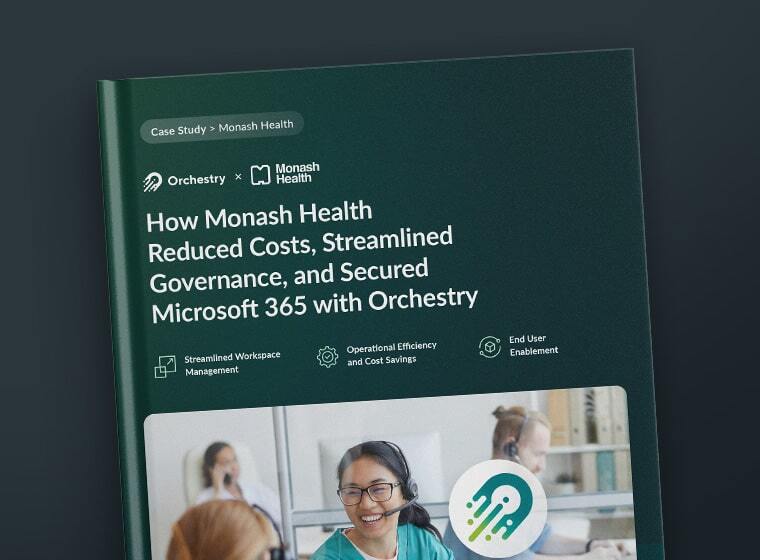
>3TB of storage reclaimed and reduced SharePoint sites by >50%
"Even if we had hired more people, we still would have lacked a lot of automated controls and visibility, so Orchestry is vital to help us with managing our Microsoft 365 environment."
Jeremy Maidment
Modern Work Architect, Monash Health
Trust & compliance
Built for teams that can't afford a security incident.
SOC 2 Type II ISO 27001 GDPR Drata Real-Time Security Monitoring Self Data Hosting Available Securely Hosted in Microsoft Azure
FAQ
Common questions asked by healthcare IT.
Know exactly who can access every site. Starting today.
Book a 20-minute demo and we will show you how Orchestry keeps guest access, site standards, and lifecycle under control across your Microsoft 365 tenant.