/HubSpot%20-%20eBook%20-%20Proof%20Card%20Mockup%20001.jpg?length=1000&name=HubSpot%20-%20eBook%20-%20Proof%20Card%20Mockup%20001.jpg)
/HubSpot%20-%20eBook%20-%20Proof%20Card%20Mockup%20001.jpg?length=1000&name=HubSpot%20-%20eBook%20-%20Proof%20Card%20Mockup%20001.jpg)
/HubSpot%20-%20eBook%20-%20Proof%20Card%20Mockup%20001.jpg?length=1000&name=HubSpot%20-%20eBook%20-%20Proof%20Card%20Mockup%20001.jpg)
/HubSpot%20-%20eBook%20-%20Proof%20Card%20Mockup%20001.jpg?length=1000&name=HubSpot%20-%20eBook%20-%20Proof%20Card%20Mockup%20001.jpg)
/HubSpot%20-%20eBook%20-%20Proof%20Card%20Mockup%20001.jpg?length=1000&name=HubSpot%20-%20eBook%20-%20Proof%20Card%20Mockup%20001.jpg)
/HubSpot%20-%20eBook%20-%20Proof%20Card%20Mockup%20001.jpg?length=1000&name=HubSpot%20-%20eBook%20-%20Proof%20Card%20Mockup%20001.jpg)
/HubSpot%20-%20eBook%20-%20Proof%20Card%20Mockup%20001.jpg?length=1000&name=HubSpot%20-%20eBook%20-%20Proof%20Card%20Mockup%20001.jpg)

/HubSpot%20-%20eBook%20-%20Proof%20Card%20Mockup%20001-min.jpg?length=1000&name=HubSpot%20-%20eBook%20-%20Proof%20Card%20Mockup%20001-min.jpg)

Microsoft 365 Provisioning
Teams and SharePoint Provisioning & Workspace Creation
Empower your end-users to create workspaces with built-in governance using Orchestry's Provisioning for Microsoft 365, ensuring both autonomy and control.
* Access Orchestry for FREE for up to 28 days



Orchestry M365 Provisioning
Confronting Workspace Provisioning Challenges
Managing workspace requests for Microsoft Teams, SharePoint Sites, and Viva Engage Communities is increasingly complex for IT administrators. Balancing user autonomy with governance often leads to inefficiencies like excessive support tickets, content sprawl, and manual processes. Organizations need a way to empower users while maintaining control and ensuring standardization across their digital estate.


Harness the Full Potential of Your Microsoft 365 Environment
Maximize your efficiency with Orchestry's Workspace Provisioning. This advanced feature automates and standardizes the workspace creation process, ensuring governance and security while empowering users. Enhance operational efficiency, maintain compliance, and streamline workspace management with Orchestry's powerful provisioning tools.
-
Streamlined Self-Service
Overview
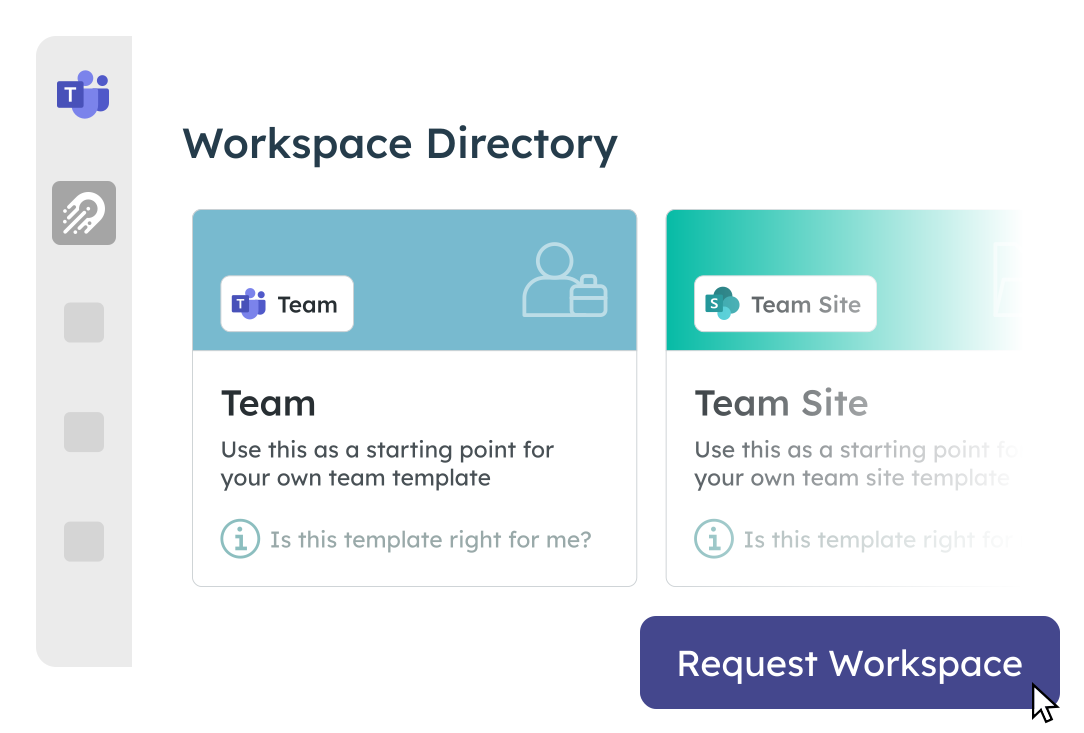
Empower users with an intuitive request process for creating workspaces while retaining full IT oversight.
Accelerate adoption and remove bottlenecks with a user-friendly Request Wizard that allows users to initiate workspace setups within governed parameters.
-
Customizable Templates
Overview
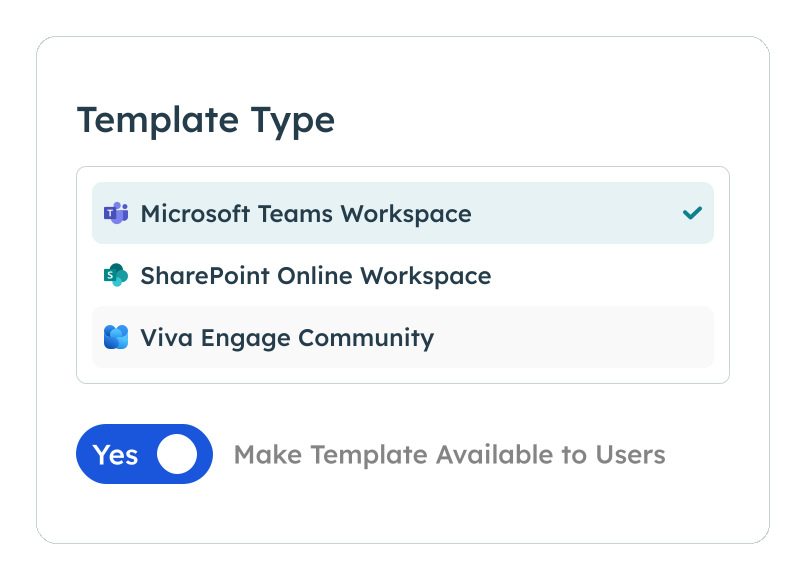
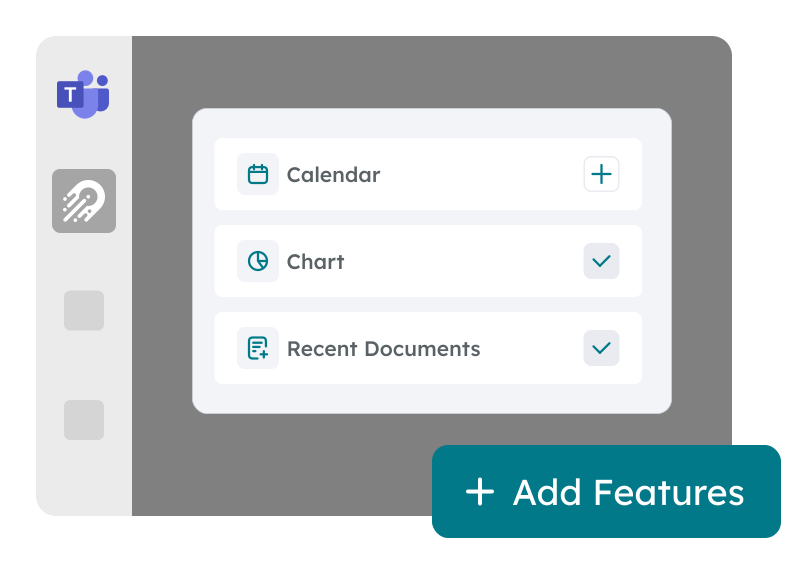
Elevate your Microsoft Teams experience with customizable templates that include preconfigured Channels, Tabs, Apps, Documents, Tasks and more.
Ensure every workspace is standardized yet adaptable to the specific needs of your organization, enhancing both governance and user satisfaction.
-
Automated Governance Integration
Overview
Simplify the management of security settings, naming conventions, and third-party integrations through automated workflows.
Ensure each workspace is compliant with your organization's security and governance frameworks right from the start.

-
Unified Management Interface
Overview
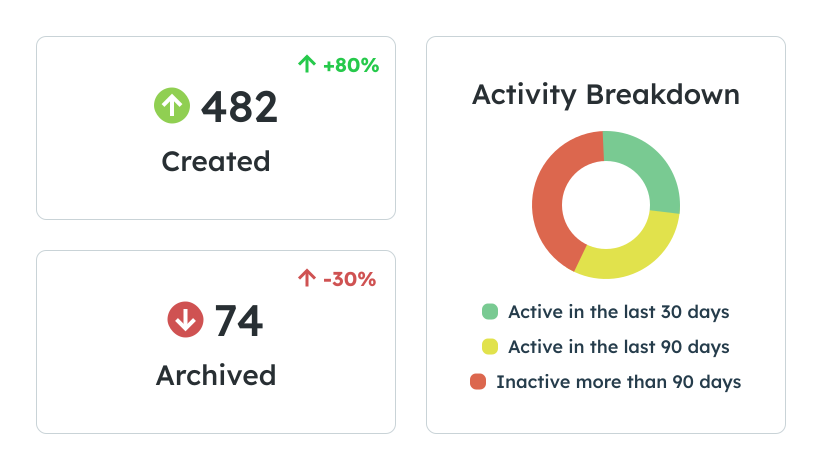
Oversee the entire request and provisioning process through a single, centralized interface.
Boost IT productivity and enforce consistent governance practices with a dashboard for quick feedback, approval, and monitoring of workspace requests.
-
Reduced IT Burden
Overview
Alleviate common pain points such as the high volume of IT support tickets and labor-intensive tasks associated with managing user requests.
Automate processes to free up valuable IT resources and reduce time spent on routine tasks.

Overview
Empower users with an intuitive request process for creating workspaces while retaining full IT oversight.
Accelerate adoption and remove bottlenecks with a user-friendly Request Wizard that allows users to initiate workspace setups within governed parameters.
Overview
Elevate your Microsoft Teams experience with customizable templates that include preconfigured Channels, Tabs, Apps, Documents, Tasks and more.
Ensure every workspace is standardized yet adaptable to the specific needs of your organization, enhancing both governance and user satisfaction.
Overview
Simplify the management of security settings, naming conventions, and third-party integrations through automated workflows.
Ensure each workspace is compliant with your organization's security and governance frameworks right from the start.
Overview
Oversee the entire request and provisioning process through a single, centralized interface.
Boost IT productivity and enforce consistent governance practices with a dashboard for quick feedback, approval, and monitoring of workspace requests.
Overview
Alleviate common pain points such as the high volume of IT support tickets and labor-intensive tasks associated with managing user requests.
Automate processes to free up valuable IT resources and reduce time spent on routine tasks.
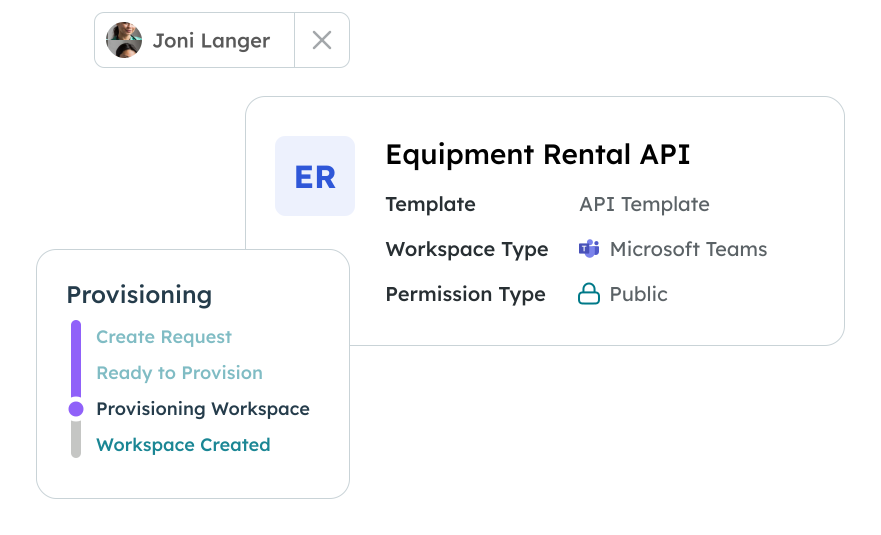
Automated Workspace Creation
Orchestry empowers users with the autonomy to create workspaces, accelerating adoption and usage of Microsoft 365 tools. This self-service model eliminates bottlenecks and frees IT from the burden of provisioning workspaces, allowing them to focus on more strategic tasks.

Seamless Compliance and Security
Orchestry ensures standardization, consistency, compliance, and security without burdening end users. All governance standards and best practices are seamlessly integrated, maintaining control and adherence to organizational policies effortlessly.
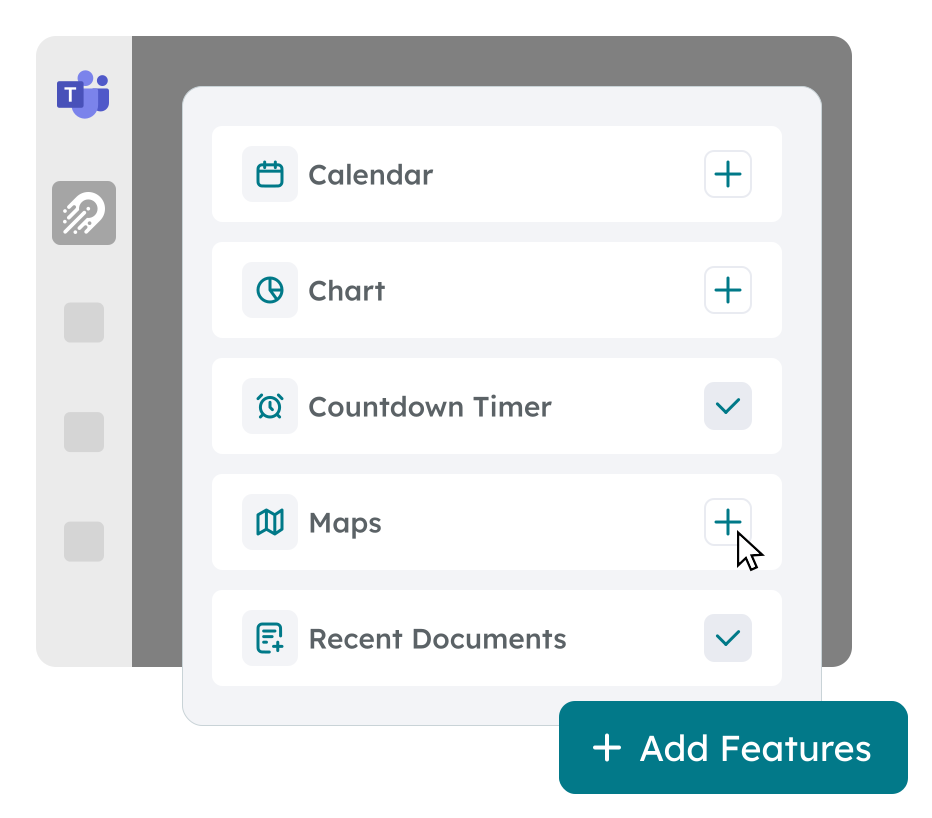
User-Friendly Interface with Robust Customization
Orchestry offers a beautiful, intuitive interface that makes workspace creation and review easy, even for non-technical users. With robust configuration and customization options, it ensures a smooth and efficient provisioning process that satisfies both end users and IT administrators.
Ready to Get Started?
Discover the full capabilities of Orchestry Workspace Provisioning. Schedule a live demonstration to see how Workspace Provisioning can streamline your operations, ensure compliance, and elevate your management strategy.