/HubSpot%20-%20eBook%20-%20Proof%20Card%20Mockup%20001.jpg?length=1000&name=HubSpot%20-%20eBook%20-%20Proof%20Card%20Mockup%20001.jpg)
/HubSpot%20-%20eBook%20-%20Proof%20Card%20Mockup%20001.jpg?length=1000&name=HubSpot%20-%20eBook%20-%20Proof%20Card%20Mockup%20001.jpg)
/HubSpot%20-%20eBook%20-%20Proof%20Card%20Mockup%20001.jpg?length=1000&name=HubSpot%20-%20eBook%20-%20Proof%20Card%20Mockup%20001.jpg)
/HubSpot%20-%20eBook%20-%20Proof%20Card%20Mockup%20001.jpg?length=1000&name=HubSpot%20-%20eBook%20-%20Proof%20Card%20Mockup%20001.jpg)
/HubSpot%20-%20eBook%20-%20Proof%20Card%20Mockup%20001.jpg?length=1000&name=HubSpot%20-%20eBook%20-%20Proof%20Card%20Mockup%20001.jpg)
/HubSpot%20-%20eBook%20-%20Proof%20Card%20Mockup%20001.jpg?length=1000&name=HubSpot%20-%20eBook%20-%20Proof%20Card%20Mockup%20001.jpg)
/HubSpot%20-%20eBook%20-%20Proof%20Card%20Mockup%20001.jpg?length=1000&name=HubSpot%20-%20eBook%20-%20Proof%20Card%20Mockup%20001.jpg)

/HubSpot%20-%20eBook%20-%20Proof%20Card%20Mockup%20001-min.jpg?length=1000&name=HubSpot%20-%20eBook%20-%20Proof%20Card%20Mockup%20001-min.jpg)


M365 Automation & Delegation
Scale governance with less manual work
Delegate routine governance to workspace owners so IT spends less time chasing sprawl. Use smart automation to handle repetitive tasks at scale, keep collaboration secure, and prevent shadow IT.
.png?width=202&height=47&name=Orchestry_Full_Logo_White_Text_Light%20(1).png)
Automation & Delegation
Workflows that work for you
Automate routine tasks and approvals so recurring governance work is handled consistently. Give workspace owners the tools to manage responsibly while IT maintains visibility and control.
/Hubspot%20-%20eBook%20-%20Center%20001.png)
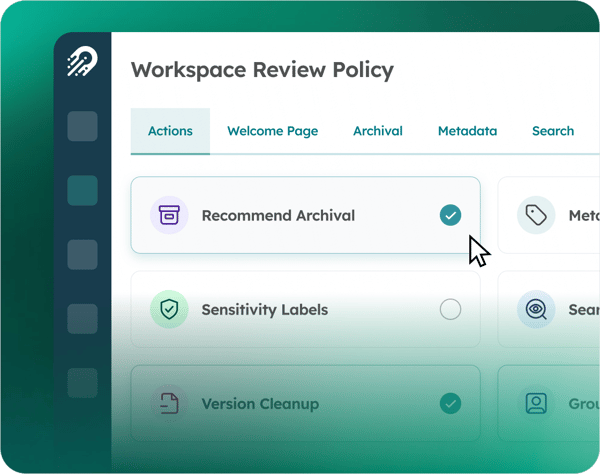
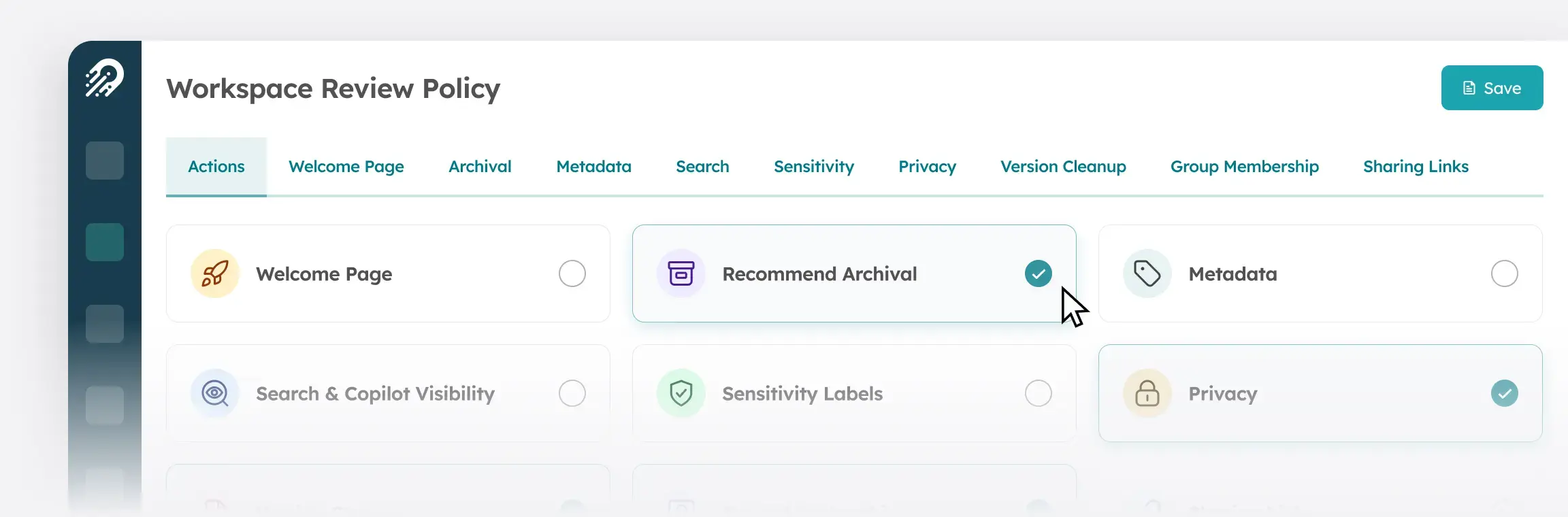
Workspace Review
Automates workspace governance by prompting owners to review membership, sensitivity, sharing, and versioning on a schedule, helping keep workspaces compliant and storage under control.
Proactive
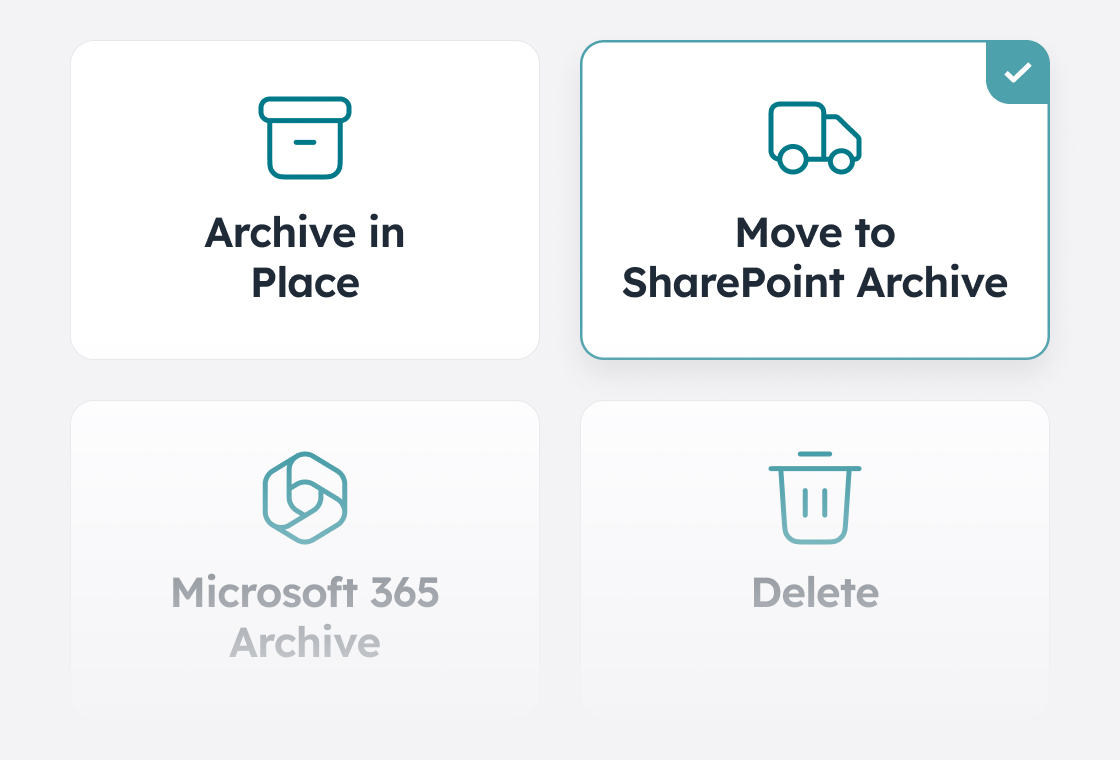
Archival
Automates workspace lifecycle management by archiving or deleting inactive workspaces using configurable policies, methods, and inactivity thresholds.
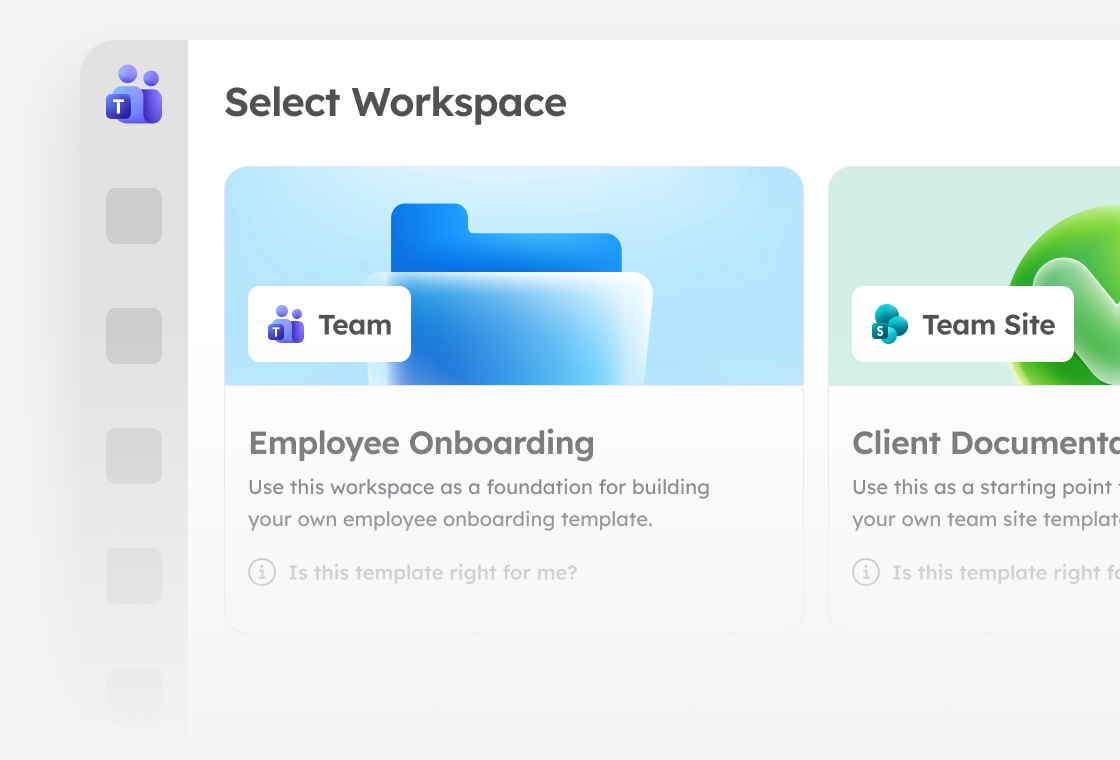
Self-Service Workspace Creation
Let business users create or request workspaces on their own while governance runs in the background and workspace options, features, and permissions stay aligned with your policies.
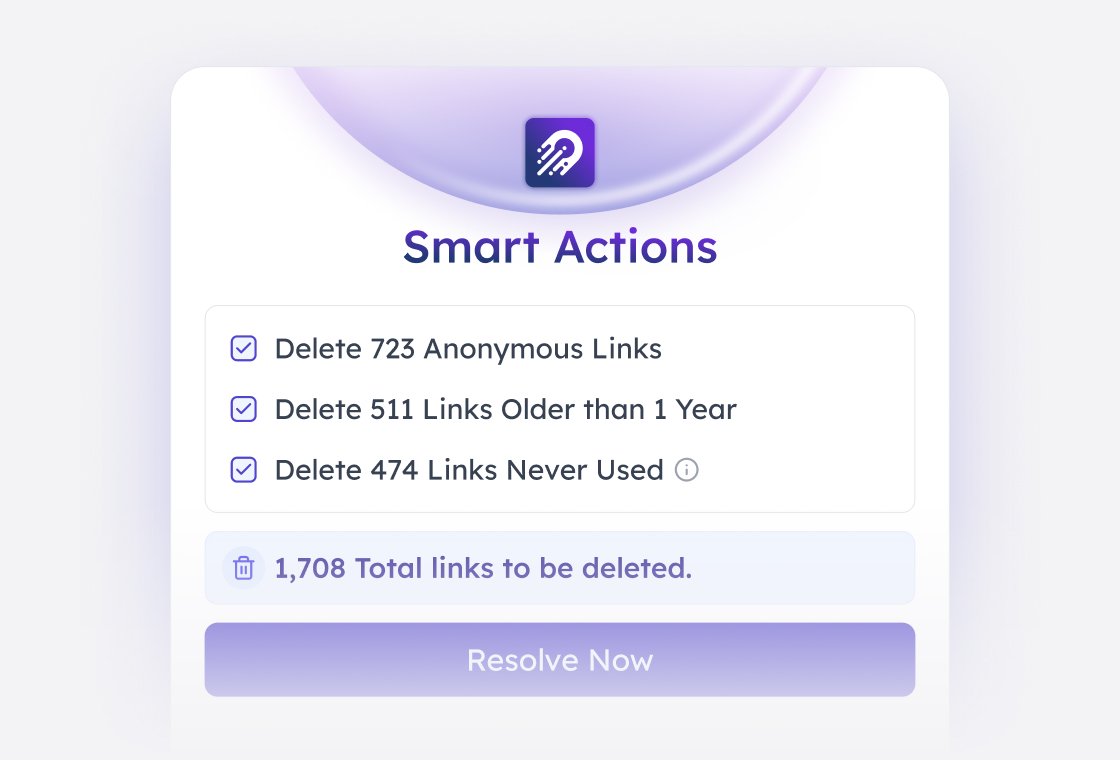
Sharing Links
Review
Identify and manage active sharing links with smart bulk clean-up actions, and give team owners a single view of all links in the team Information tab so they can review and fix access issues quickly.
Controlled Guest
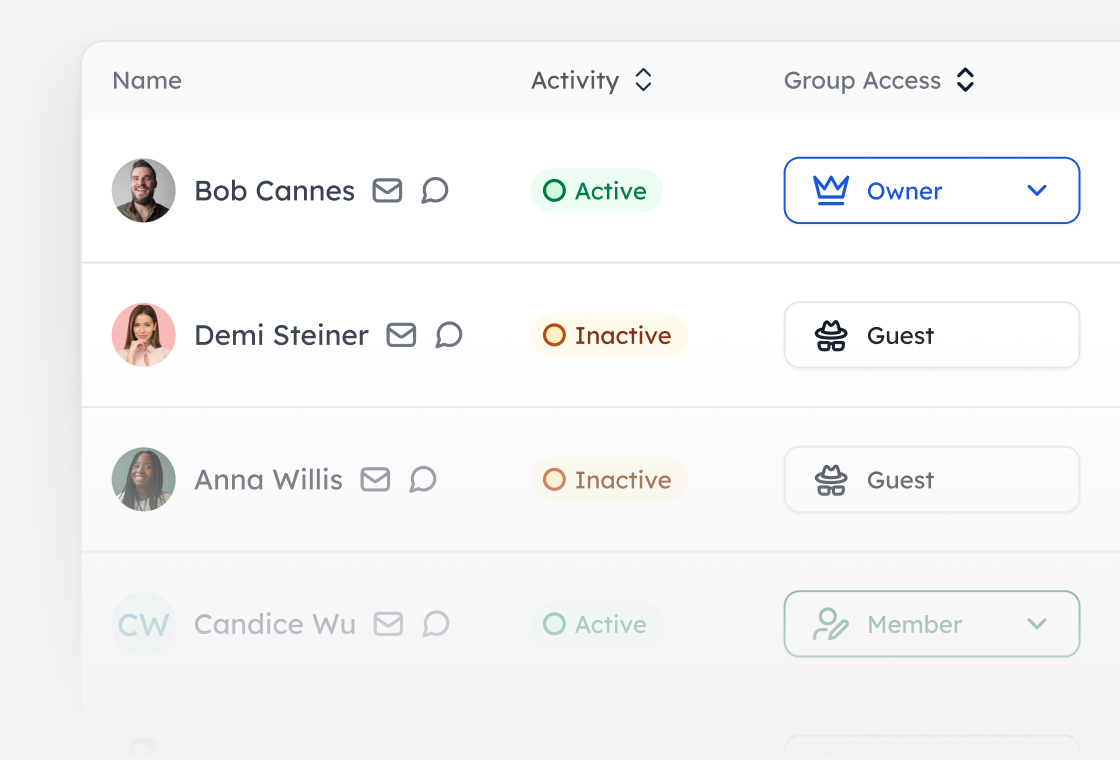
Onboarding
Bring order to guest invitations by routing requests for approval, validating identities, and guiding proper onboarding so every guest is visible and easier to manage.
Additional Capabilities
-
My tasks
My tasks
Centralizes notifications and reminders for all users, enabling efficient management of tasks like reviews and approvals that require their attention.

-
Team information tab
Team information tab
Displays key details about a team, including links, owners, members, and custom metadata, directly within the Microsoft Teams interface.

-
SharePoint web parts
SharePoint web parts
Deploy standard web parts tenant-wide to surface workspace information, requests, and task management directly in SharePoint.

My tasks
Centralizes notifications and reminders for all users, enabling efficient management of tasks like reviews and approvals that require their attention.
Team information tab
Displays key details about a team, including links, owners, members, and custom metadata, directly within the Microsoft Teams interface.
SharePoint web parts
Deploy standard web parts tenant-wide to surface workspace information, requests, and task management directly in SharePoint.