/HubSpot%20-%20eBook%20-%20Proof%20Card%20Mockup%20001.jpg?length=1000&name=HubSpot%20-%20eBook%20-%20Proof%20Card%20Mockup%20001.jpg)
/HubSpot%20-%20eBook%20-%20Proof%20Card%20Mockup%20001.jpg?length=1000&name=HubSpot%20-%20eBook%20-%20Proof%20Card%20Mockup%20001.jpg)
/HubSpot%20-%20eBook%20-%20Proof%20Card%20Mockup%20001.jpg?length=1000&name=HubSpot%20-%20eBook%20-%20Proof%20Card%20Mockup%20001.jpg)
/HubSpot%20-%20eBook%20-%20Proof%20Card%20Mockup%20001.jpg?length=1000&name=HubSpot%20-%20eBook%20-%20Proof%20Card%20Mockup%20001.jpg)
/HubSpot%20-%20eBook%20-%20Proof%20Card%20Mockup%20001.jpg?length=1000&name=HubSpot%20-%20eBook%20-%20Proof%20Card%20Mockup%20001.jpg)
/HubSpot%20-%20eBook%20-%20Proof%20Card%20Mockup%20001.jpg?length=1000&name=HubSpot%20-%20eBook%20-%20Proof%20Card%20Mockup%20001.jpg)
/HubSpot%20-%20eBook%20-%20Proof%20Card%20Mockup%20001.jpg?length=1000&name=HubSpot%20-%20eBook%20-%20Proof%20Card%20Mockup%20001.jpg)

/HubSpot%20-%20eBook%20-%20Proof%20Card%20Mockup%20001-min.jpg?length=1000&name=HubSpot%20-%20eBook%20-%20Proof%20Card%20Mockup%20001-min.jpg)


Construction & Engineering
Govern every project site, from kickoff to closeout
Orchestry gives your IT team one place to provision, secure, and retire the SharePoint and Teams sites behind every construction project. New sites get created right, architects and subcontractors only see what they should, and nothing accumulates cost after handover.
Request a demo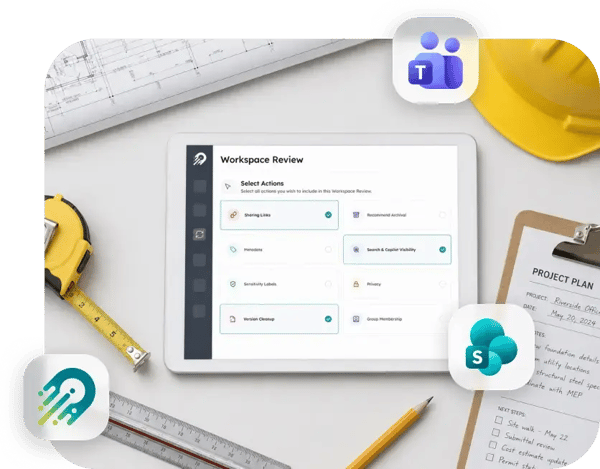

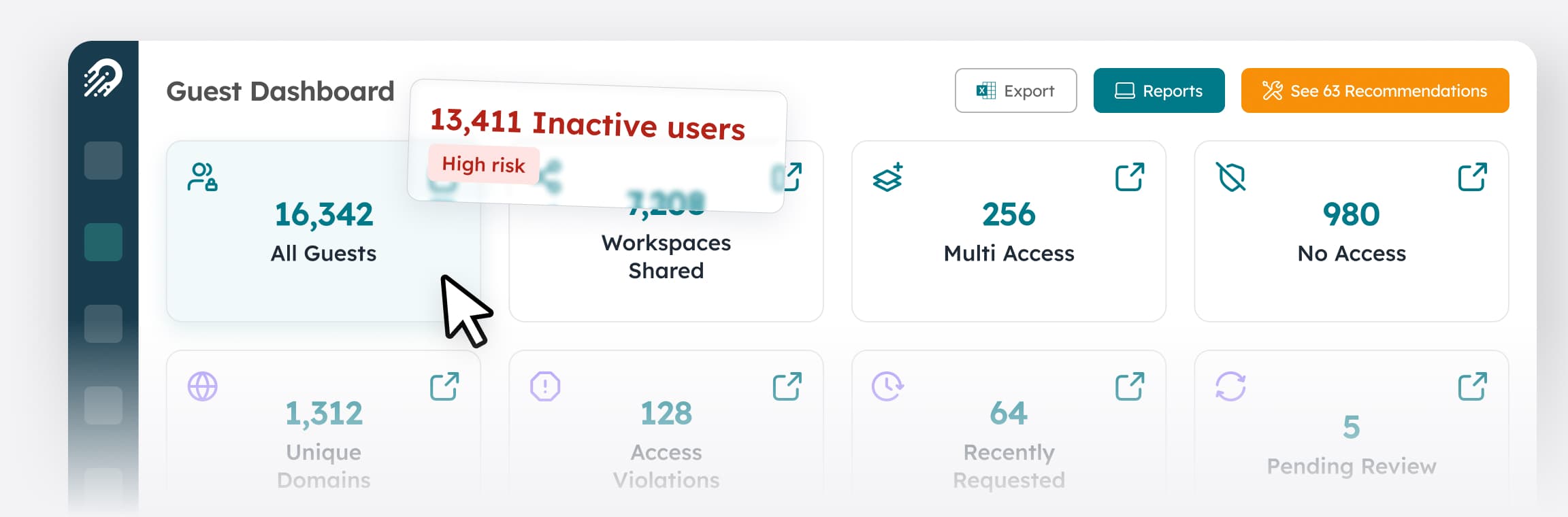
Guests who never leave
Architects, engineers, and subcontractors get added for one project and keep access long after it closes.

No two sites built the same
Completed jobs sit in storage and licensing costs because nobody archives them.

Old project sites you keep paying for
Naming, structure, and permissions depend on whoever clicked "create," so finding anything, or trusting its permissions, is a guess.
Nobody owns the site when the project ends
When a project wraps, the project manager moves on. The site stays. Without an owner assigned at creation, the archive decision and access review never get triggered.

AI surfaces everything a user can already reach
Completed project sites, stale guests, and oversharing don't disappear when Copilot is turned on. They become discoverable. Getting a construction tenant AI-ready means doing the access and cleanup work first.

"Setting up project sites used to be completely manual and it took up so much of our team's time. With Orchestry it's self-service. People request a workspace, it's provisioned with the right governance built in, and we're out of the bottleneck."
| IT Leader Enterprise construction organization |
67%
of workspaces are inactive within 90 days at first measure
700+
inactive Teams archived via lifecycle management
$393K
reclaimed in year one by archiving inactive workspaces
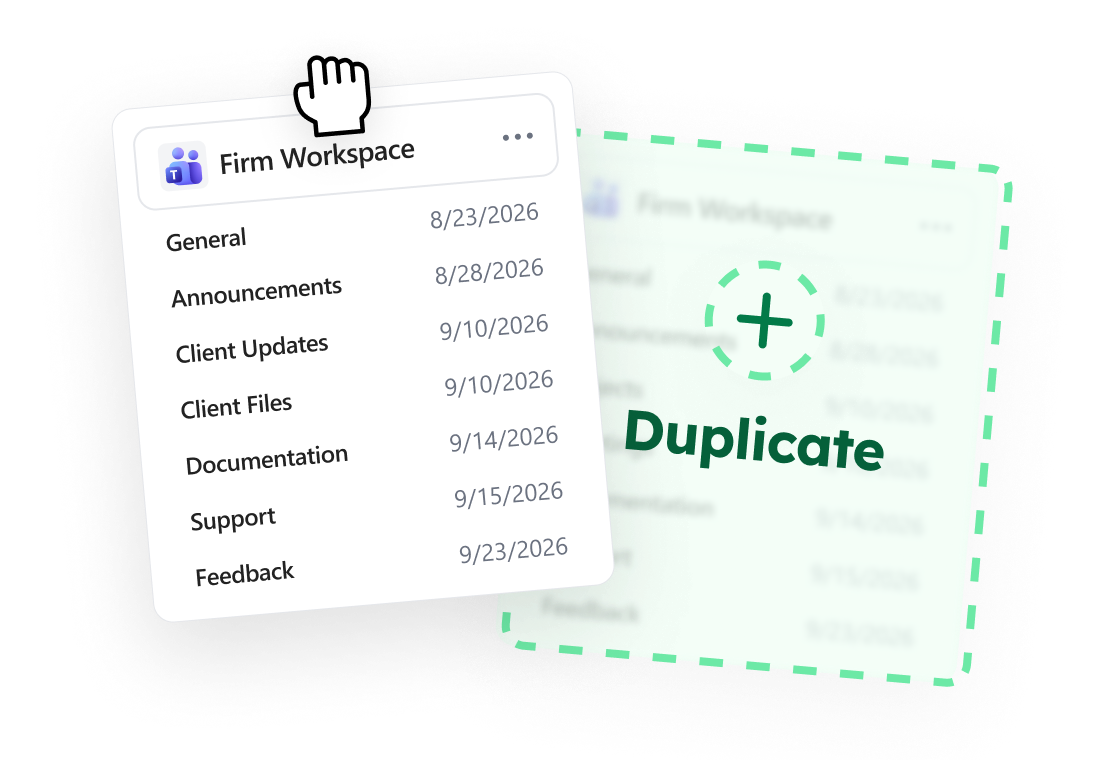
Every project site created to standard
Provisioning Templates carry your governance into the moment of creation: naming conventions, blocked words, the right sensitivity label, required metadata, library structure, and approval routing for higher-risk requests. A new job site is born consistent and compliant, without a ticket to IT.
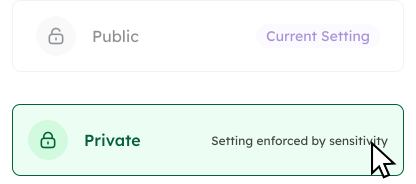
Guest access ends when the project does
Guest access requests route to an owner for one-click approval. The Team Information tab shows each site's membership, sharing links, and broken permissions at a glance. Workspace Review walks an owner through guest access and sharing health every month in about 20 minutes. Oversharing detection flags the sites exposing more than they should.
Closeout that actually closes
When a project wraps, delegated lifecycle workflows send the archive decision to the site owner as a one-click action inside Orchestry, not a backlog item for IT. Old job sites get archived, storage and licensing come back, and the tenant stays the size of your active work. That same cleaned-up access surface is what makes a construction tenant ready for Copilot.