/HubSpot%20-%20eBook%20-%20Proof%20Card%20Mockup%20001.jpg?length=1000&name=HubSpot%20-%20eBook%20-%20Proof%20Card%20Mockup%20001.jpg)
/HubSpot%20-%20eBook%20-%20Proof%20Card%20Mockup%20001.jpg?length=1000&name=HubSpot%20-%20eBook%20-%20Proof%20Card%20Mockup%20001.jpg)
/HubSpot%20-%20eBook%20-%20Proof%20Card%20Mockup%20001.jpg?length=1000&name=HubSpot%20-%20eBook%20-%20Proof%20Card%20Mockup%20001.jpg)
/HubSpot%20-%20eBook%20-%20Proof%20Card%20Mockup%20001.jpg?length=1000&name=HubSpot%20-%20eBook%20-%20Proof%20Card%20Mockup%20001.jpg)
/HubSpot%20-%20eBook%20-%20Proof%20Card%20Mockup%20001.jpg?length=1000&name=HubSpot%20-%20eBook%20-%20Proof%20Card%20Mockup%20001.jpg)
/HubSpot%20-%20eBook%20-%20Proof%20Card%20Mockup%20001.jpg?length=1000&name=HubSpot%20-%20eBook%20-%20Proof%20Card%20Mockup%20001.jpg)
/HubSpot%20-%20eBook%20-%20Proof%20Card%20Mockup%20001.jpg?length=1000&name=HubSpot%20-%20eBook%20-%20Proof%20Card%20Mockup%20001.jpg)

/HubSpot%20-%20eBook%20-%20Proof%20Card%20Mockup%20001-min.jpg?length=1000&name=HubSpot%20-%20eBook%20-%20Proof%20Card%20Mockup%20001-min.jpg)


M365 Provisioning & Templates
Streamline workspace creation
Manual tickets, duplicate Teams, and unmanaged SharePoint Sites slow everyone down. Orchestry’s provisioning and templates turn workspace creation into guided self-service, so people can spin up the right team or site quickly while IT keeps approvals, ownership, and policies under control.
.png?width=202&height=47&name=Orchestry_Full_Logo_White_Text_Light%20(1).png)
Provisioning & Templates
Structure from the start
Templates bring consistency to every workspace by defining structure, content, permissions, and policies so users start with the right setup every time. From day one, collaboration stays compliant and organized without adding friction for IT or end users.
/Hubspot%20-%20eBook%20-%20Center%20001.png)
Self-Service Workspace Creation
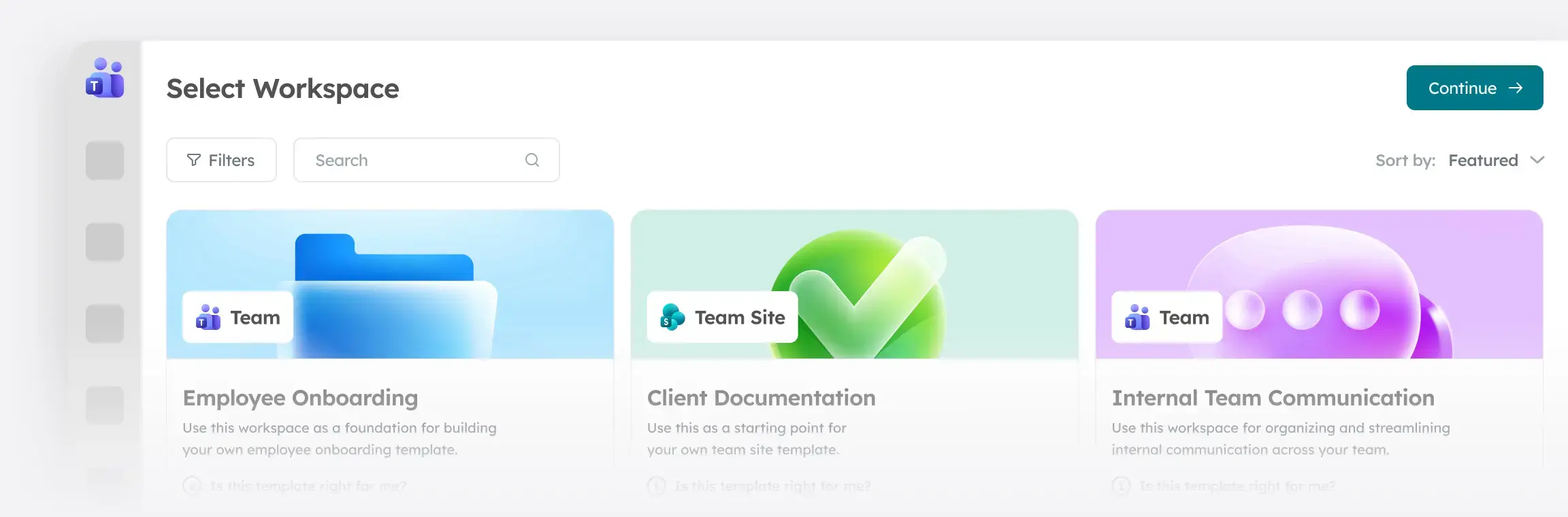
Let business users create or request workspaces (for Teams, SharePoint or Viva Engage) on their own while governance runs in the background and options stay aligned to business needs.
Live Workspace Templates
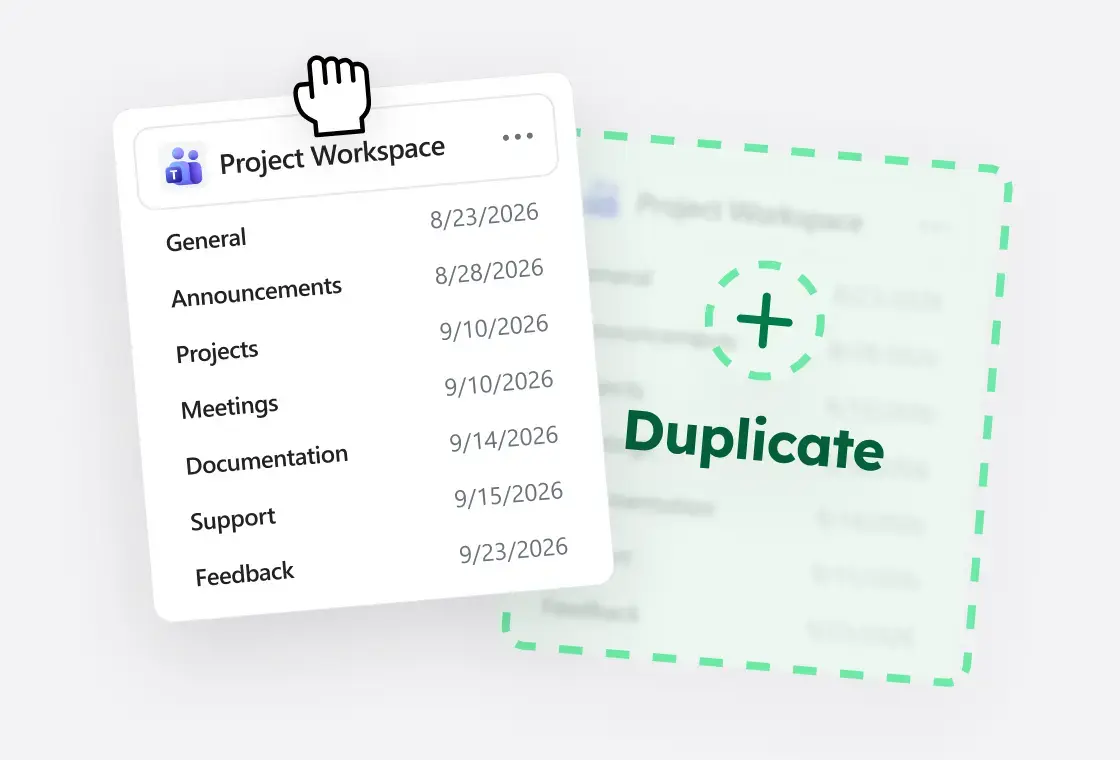
Create full copies of Teams and SharePoint Sites without custom code. Capture SharePoint configuration such as lists, libraries, pages, content types, metadata and more to ensure standardization.
Approvals
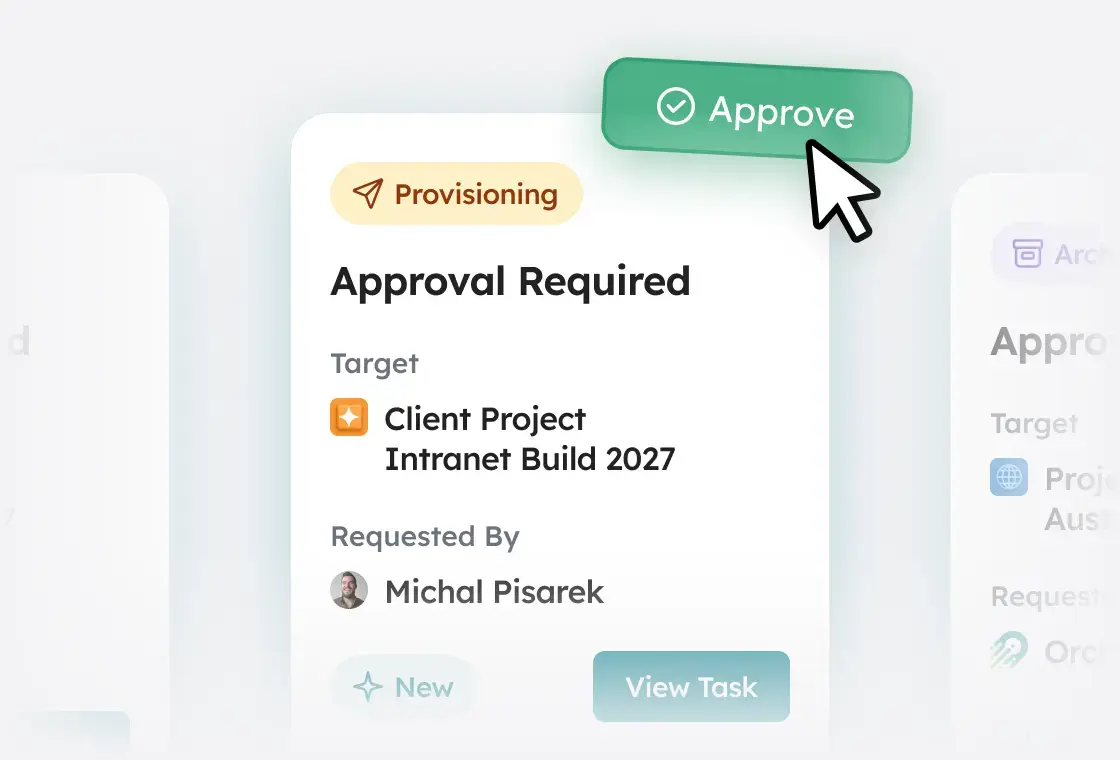
Set up single- or multi-step approvals for workspace requests, and use Power Automate for more complex flows so reviews go to the right people before workspaces go live.
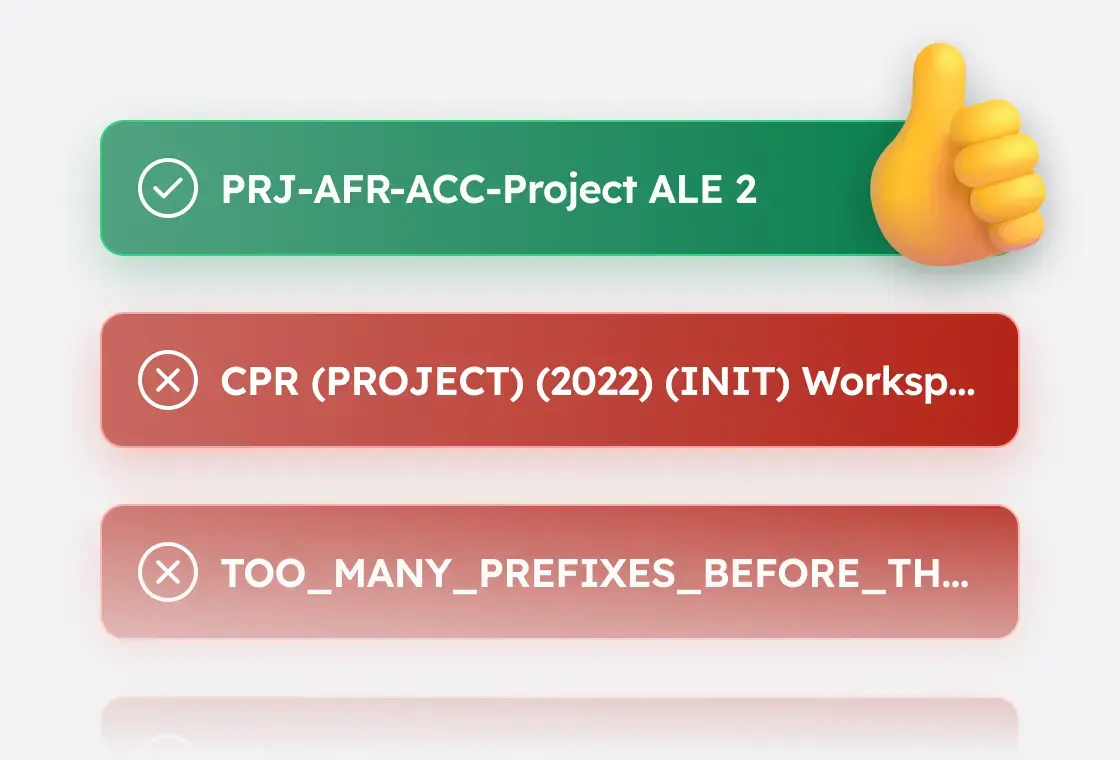
Naming Conventions
Define rule-based names for Teams, SharePoint Sites, and M365 groups using prefixes, suffixes, user attributes, and optional custom metadata so names stay consistent and easier to manage.
Optional Features
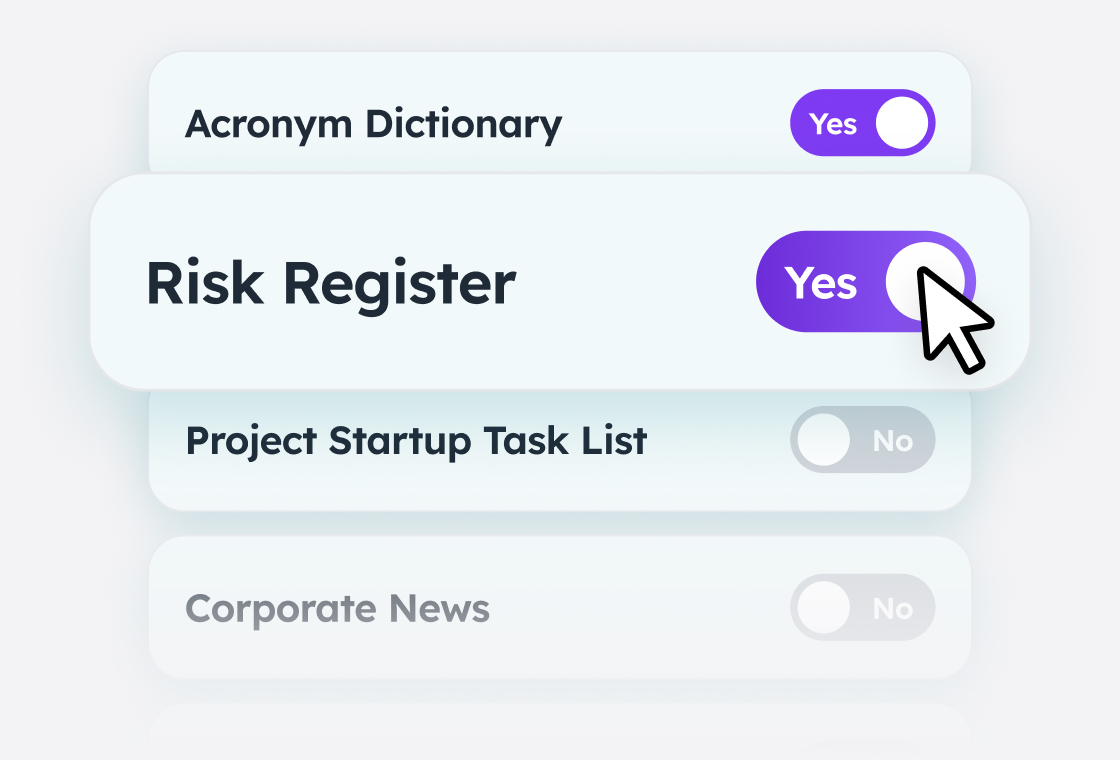
Reduce template sprawl by adding modular components that users can include when requesting a workspace, allowing a single template to support many scenario variants while keeping maintenance low.