/HubSpot%20-%20eBook%20-%20Proof%20Card%20Mockup%20001.jpg?length=1000&name=HubSpot%20-%20eBook%20-%20Proof%20Card%20Mockup%20001.jpg)
/HubSpot%20-%20eBook%20-%20Proof%20Card%20Mockup%20001.jpg?length=1000&name=HubSpot%20-%20eBook%20-%20Proof%20Card%20Mockup%20001.jpg)
/HubSpot%20-%20eBook%20-%20Proof%20Card%20Mockup%20001.jpg?length=1000&name=HubSpot%20-%20eBook%20-%20Proof%20Card%20Mockup%20001.jpg)
/HubSpot%20-%20eBook%20-%20Proof%20Card%20Mockup%20001.jpg?length=1000&name=HubSpot%20-%20eBook%20-%20Proof%20Card%20Mockup%20001.jpg)
/HubSpot%20-%20eBook%20-%20Proof%20Card%20Mockup%20001.jpg?length=1000&name=HubSpot%20-%20eBook%20-%20Proof%20Card%20Mockup%20001.jpg)
/HubSpot%20-%20eBook%20-%20Proof%20Card%20Mockup%20001.jpg?length=1000&name=HubSpot%20-%20eBook%20-%20Proof%20Card%20Mockup%20001.jpg)
/HubSpot%20-%20eBook%20-%20Proof%20Card%20Mockup%20001.jpg?length=1000&name=HubSpot%20-%20eBook%20-%20Proof%20Card%20Mockup%20001.jpg)

/HubSpot%20-%20eBook%20-%20Proof%20Card%20Mockup%20001-min.jpg?length=1000&name=HubSpot%20-%20eBook%20-%20Proof%20Card%20Mockup%20001-min.jpg)


Microsoft 365 Sprawl Prevention
Sprawl. Easy to create, impossible to manage.
Microsoft Teams and SharePoint make collaboration easy, and that's exactly the problem.
Teams and SharePoint sites get created faster than they can be managed. Sites multiply. What looks active often isn’t. And when users can’t find what they need, they create something new.

Why sprawl happens
Storage growth isn't intentional. It builds from patterns most teams don't see.

No guardrails at creation
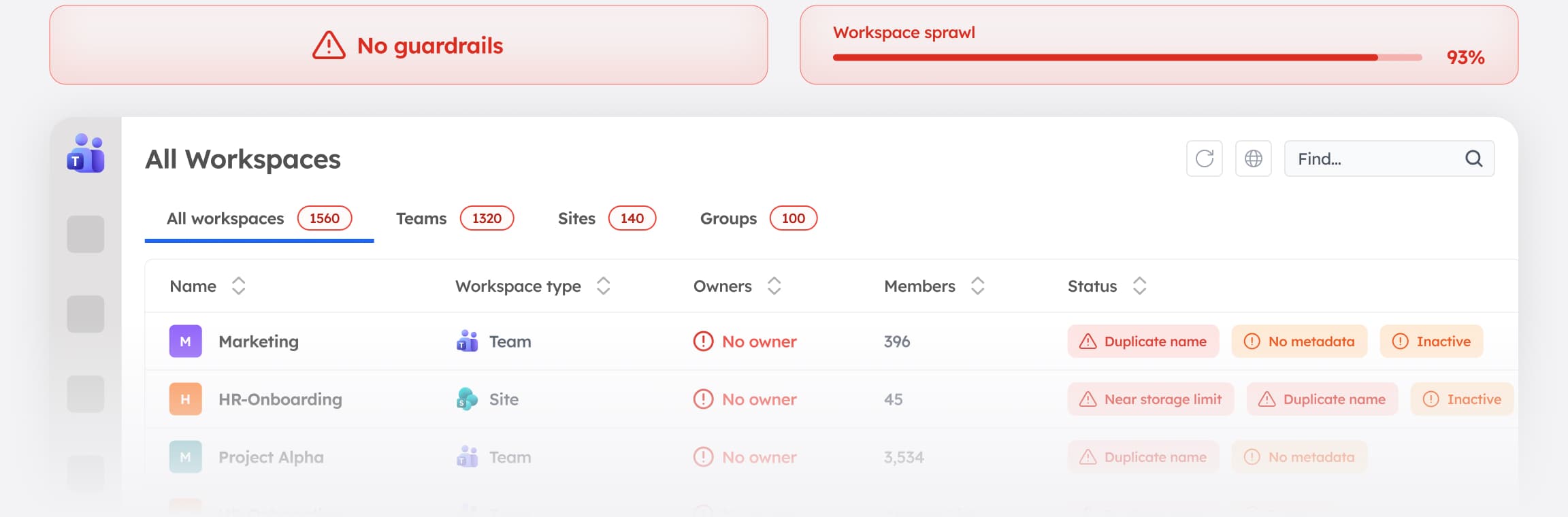
Anyone can create a Microsoft Team, SharePoint site, or Group, but there's no structure for naming, ownership, or metadata. Every unstructured workspace created today is a cleanup project waiting to happen tomorrow.

Ownership goes undefined
Many workspaces have no clear owner, or their owner has left the organization. There's no one to make decisions about the workspace, answer questions about what it contains, or take responsibility when something goes wrong.

No cleanup process
Nothing triggers review, archival, or removal of inactive workspaces. Microsoft doesn't have a built-in workflow that moves a stale workspace through review and off the books

Governance comes too late
Policies get applied after creation, if they get applied at all. By the time IT reviews a workspace, it's already operating outside standards.

Duplication compounds
When users can't find what they need, they create something new, so sprawl feeds itself. Duplicate workspaces make the discoverability problem worse, which creates a cycle that manual cleanup alone can't break.

Keep environments clean and scalable with Orchestry
Orchestry puts structure in place at the moment of creation, so you're not cleaning up sprawl you never meant to create.

Governance at creation
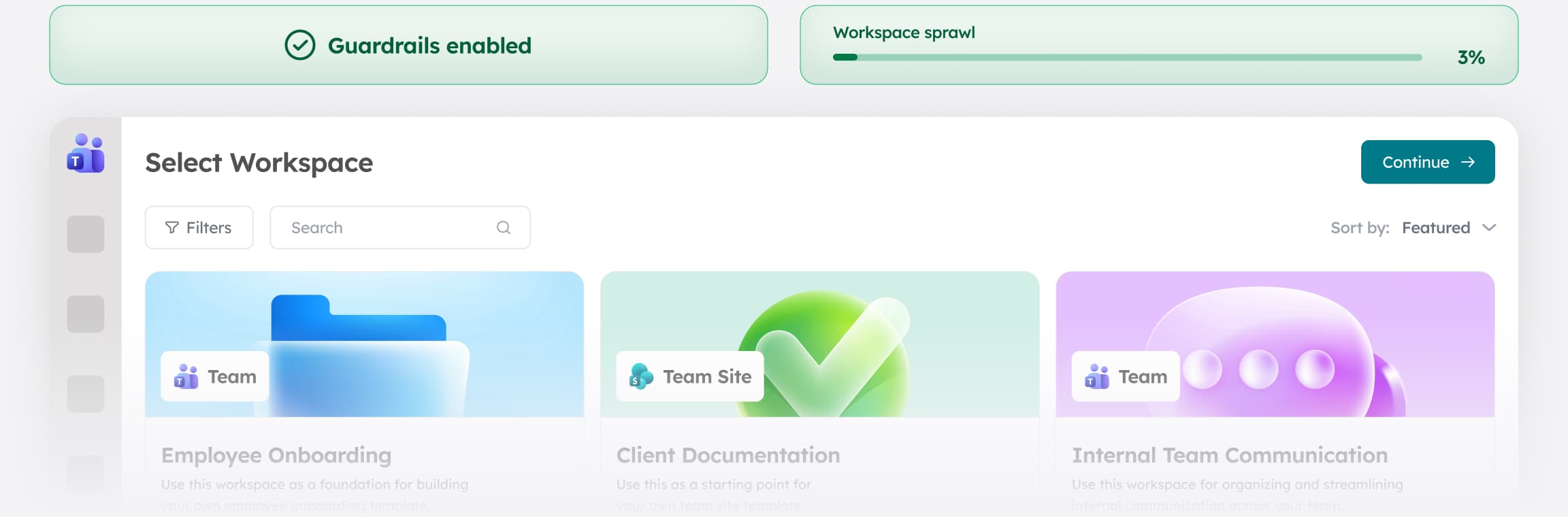
Every workspace is built from approved templates with the right naming, ownership, and structure, and compliance policies apply from day one. Users get a guided creation experience, and IT gets workspaces that arrive already governed.

Built-in lifecycle management
Inactive workspaces get flagged and reviewed automatically, before they pile up. Orchestry identifies dormant sites across the entire tenant and triggers the review process without anyone having to go looking for them.

Workspace reviews
Owners get prompted to certify, archive, or transfer their sites, so cleanup decisions are made by the people with actual context, not dumped on IT. The result is a tenant that stays organized without requiring a centralized cleanup effort.

Complete visibility
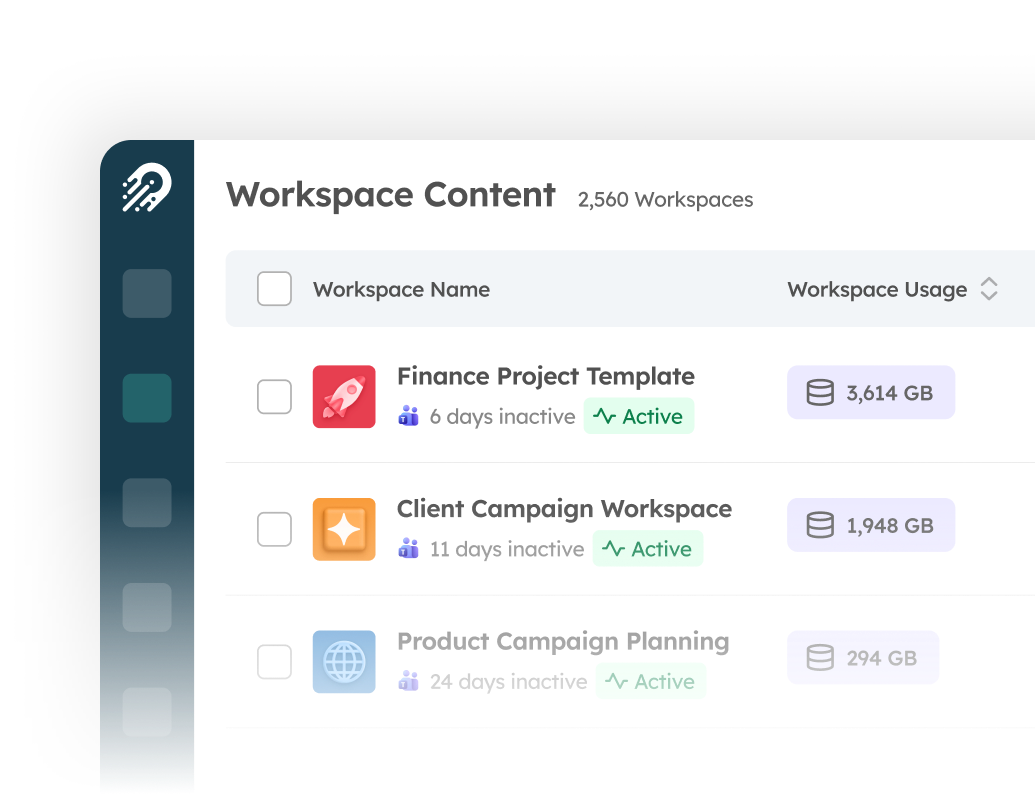
See all Teams, SharePoint sites, and communities in one place. Filter by activity, ownership, or status. Filter by activity, ownership, or status to quickly identify what's active, what's orphaned, and what's overdue for a decision.

Ownership enforcement
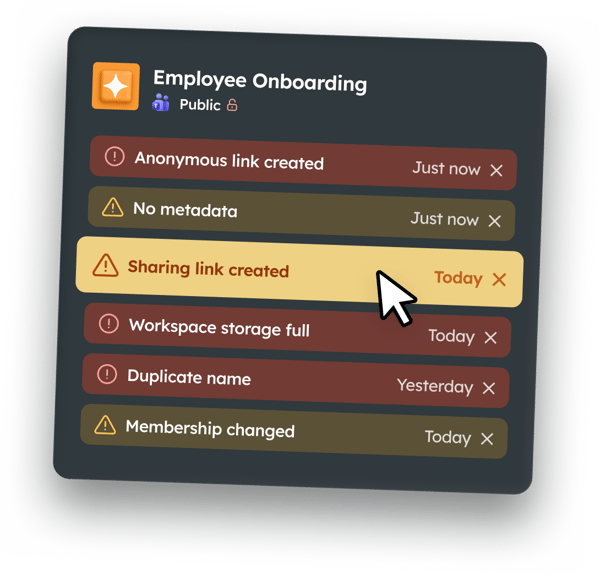
Detect orphaned workspaces and trigger reassignment or escalation automatically. Orchestry keeps ownership gaps visible and actionable until accountability is re-established
.png?width=242&height=56&name=Orchestry_Full_Logo_White_Text_Light%20(1).png)
Most organizations are managing sprawl they've already accumulated
With Orchestry, the goal isn't cleanup. It's not accumulating sprawl in the first place. Governance is built into how workspaces are created, so the environment stays organized without IT having to constantly intervene.