/HubSpot%20-%20eBook%20-%20Proof%20Card%20Mockup%20001.jpg?length=1000&name=HubSpot%20-%20eBook%20-%20Proof%20Card%20Mockup%20001.jpg)
/HubSpot%20-%20eBook%20-%20Proof%20Card%20Mockup%20001.jpg?length=1000&name=HubSpot%20-%20eBook%20-%20Proof%20Card%20Mockup%20001.jpg)
/HubSpot%20-%20eBook%20-%20Proof%20Card%20Mockup%20001.jpg?length=1000&name=HubSpot%20-%20eBook%20-%20Proof%20Card%20Mockup%20001.jpg)
/HubSpot%20-%20eBook%20-%20Proof%20Card%20Mockup%20001.jpg?length=1000&name=HubSpot%20-%20eBook%20-%20Proof%20Card%20Mockup%20001.jpg)
/HubSpot%20-%20eBook%20-%20Proof%20Card%20Mockup%20001.jpg?length=1000&name=HubSpot%20-%20eBook%20-%20Proof%20Card%20Mockup%20001.jpg)
/HubSpot%20-%20eBook%20-%20Proof%20Card%20Mockup%20001.jpg?length=1000&name=HubSpot%20-%20eBook%20-%20Proof%20Card%20Mockup%20001.jpg)
/HubSpot%20-%20eBook%20-%20Proof%20Card%20Mockup%20001.jpg?length=1000&name=HubSpot%20-%20eBook%20-%20Proof%20Card%20Mockup%20001.jpg)

/HubSpot%20-%20eBook%20-%20Proof%20Card%20Mockup%20001-min.jpg?length=1000&name=HubSpot%20-%20eBook%20-%20Proof%20Card%20Mockup%20001-min.jpg)


M365 Guest & User Management
Every user, understood and accounted for
See who has access, manage guests responsibly, and maintain governance as your digital workplace grows.
.png?width=202&height=47&name=Orchestry_Full_Logo_White_Text_Light%20(1).png)
Guest & User Management
Access you can trust
Automate guest user management with clear delegation and built-in guardrails. Identify, track, and remove access with less manual effort, manage licenses with confidence, and streamline onboarding and offboarding across your environment.
/HubSpot%20-%20eBook%20-%20Category%20Page%20001.png)
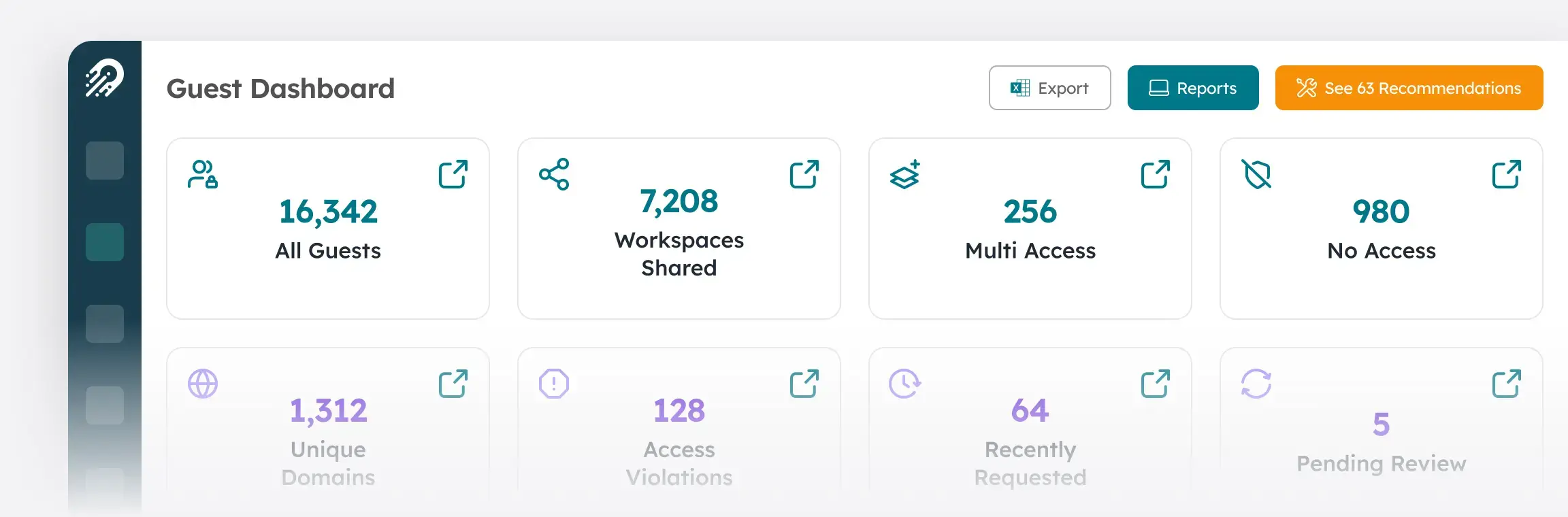
Guest Reporting
Aggregates guest account data and lifecycle metrics into clear reports so you can see who guests are, what access they have, and where there may be risks, helping you manage guest access and compliance across the tenant.
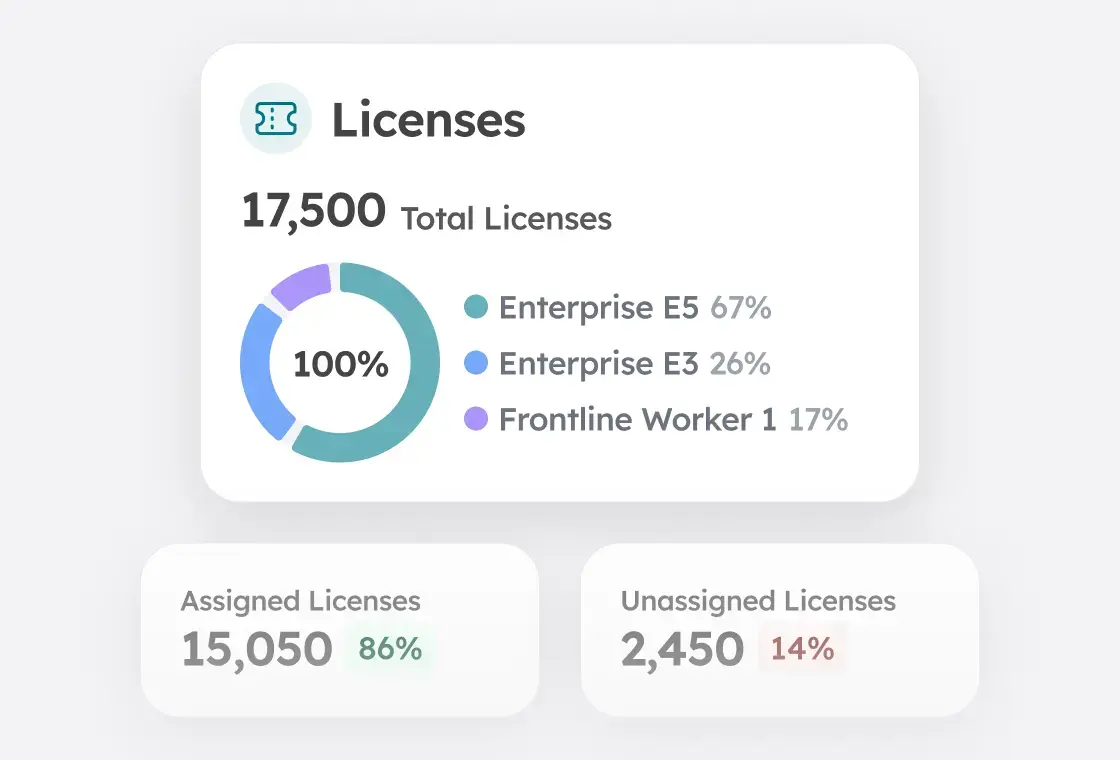
Licensing Reporting & Optimization
Analyzes license usage and costs across the tenant, identifying unassigned, inactive, or mis-licensed users to optimize allocation and reduce expenses.
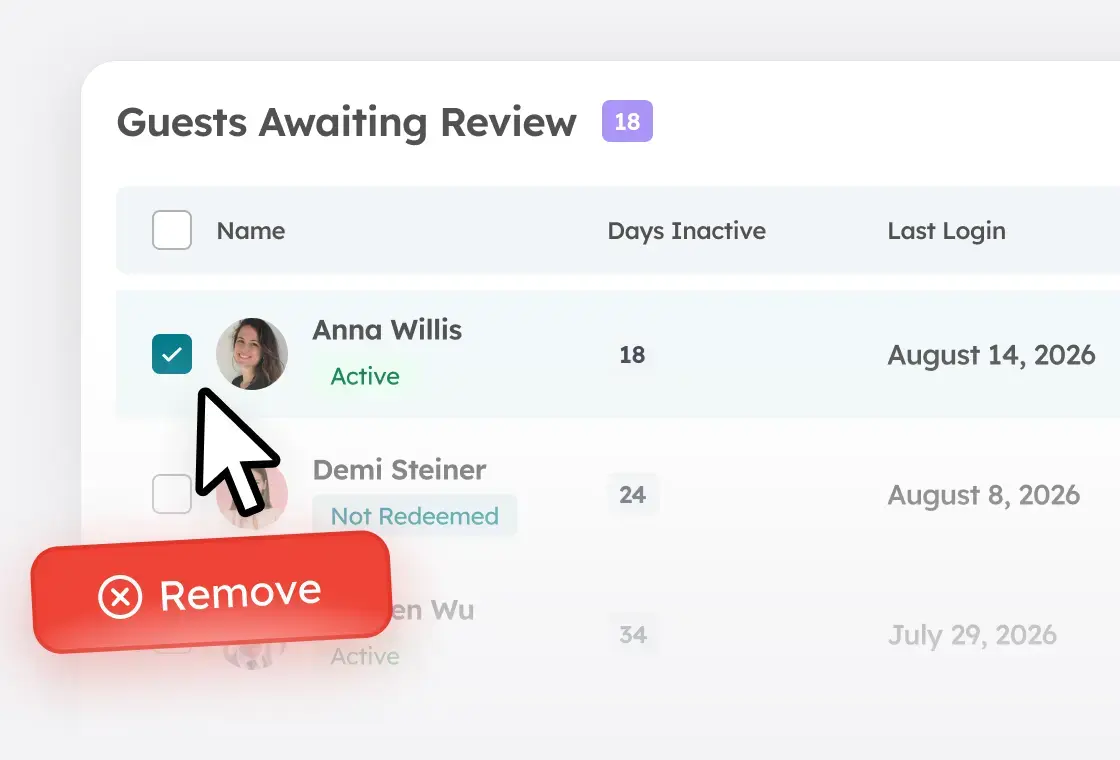
Guest Reviews
Enables workspace owners to periodically review and manage guest access to ensure compliance, security, and proper guest account lifecycle management, without requiring additional licenses, unlike Microsoft’s native access review capabilities.
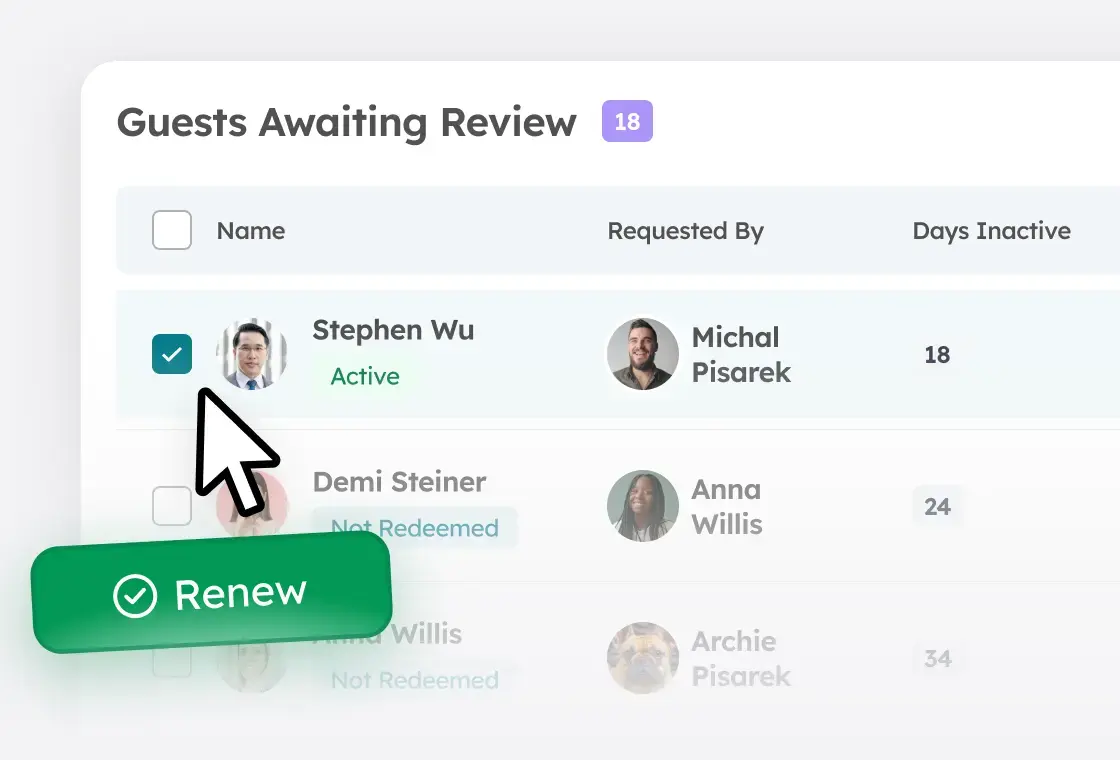
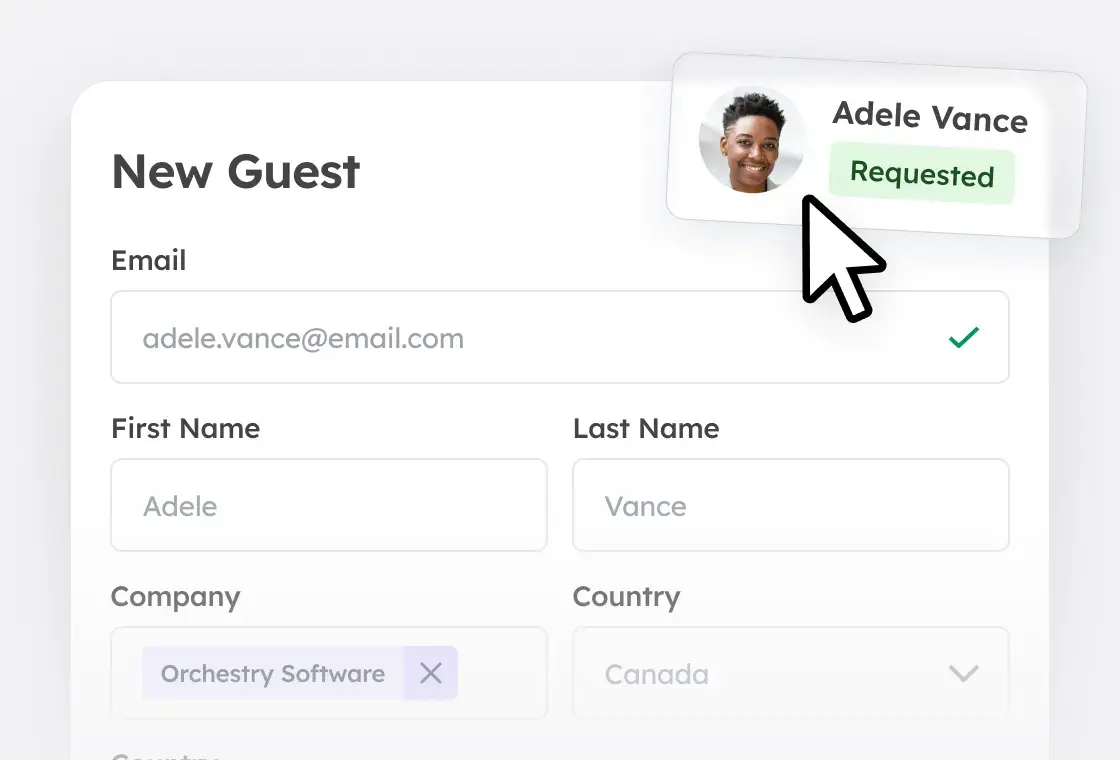
Guest Requests
Enables structured guest access requests and routing, capturing required details for each guest so access is identified, justified, and reviewed for compliance.
Guest Delete
Automates guest account cleanup by identifying unredeemed or inactive external users based on configurable thresholds and offboarding them directly from Entra.