/HubSpot%20-%20eBook%20-%20Proof%20Card%20Mockup%20001.jpg?length=1000&name=HubSpot%20-%20eBook%20-%20Proof%20Card%20Mockup%20001.jpg)
/HubSpot%20-%20eBook%20-%20Proof%20Card%20Mockup%20001.jpg?length=1000&name=HubSpot%20-%20eBook%20-%20Proof%20Card%20Mockup%20001.jpg)
/HubSpot%20-%20eBook%20-%20Proof%20Card%20Mockup%20001.jpg?length=1000&name=HubSpot%20-%20eBook%20-%20Proof%20Card%20Mockup%20001.jpg)
/HubSpot%20-%20eBook%20-%20Proof%20Card%20Mockup%20001.jpg?length=1000&name=HubSpot%20-%20eBook%20-%20Proof%20Card%20Mockup%20001.jpg)
/HubSpot%20-%20eBook%20-%20Proof%20Card%20Mockup%20001.jpg?length=1000&name=HubSpot%20-%20eBook%20-%20Proof%20Card%20Mockup%20001.jpg)
/HubSpot%20-%20eBook%20-%20Proof%20Card%20Mockup%20001.jpg?length=1000&name=HubSpot%20-%20eBook%20-%20Proof%20Card%20Mockup%20001.jpg)
/HubSpot%20-%20eBook%20-%20Proof%20Card%20Mockup%20001.jpg?length=1000&name=HubSpot%20-%20eBook%20-%20Proof%20Card%20Mockup%20001.jpg)

/HubSpot%20-%20eBook%20-%20Proof%20Card%20Mockup%20001-min.jpg?length=1000&name=HubSpot%20-%20eBook%20-%20Proof%20Card%20Mockup%20001-min.jpg)


Microsoft 365 Storage Management
Your Microsoft 365 storage is growing. So are your costs.
Microsoft 365 stores content across SharePoint and OneDrive, but sprawl creeps in, lifecycle management falls behind, and storage costs climb before anyone notices. Most organizations don't realize they have a problem until they're already paying for it.
Get a demo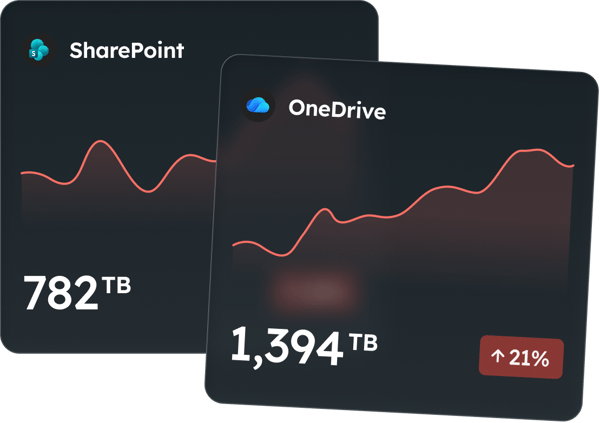

Where storage really comes from
Storage growth isn't intentional. It builds from patterns most teams don't see.

Version bloat
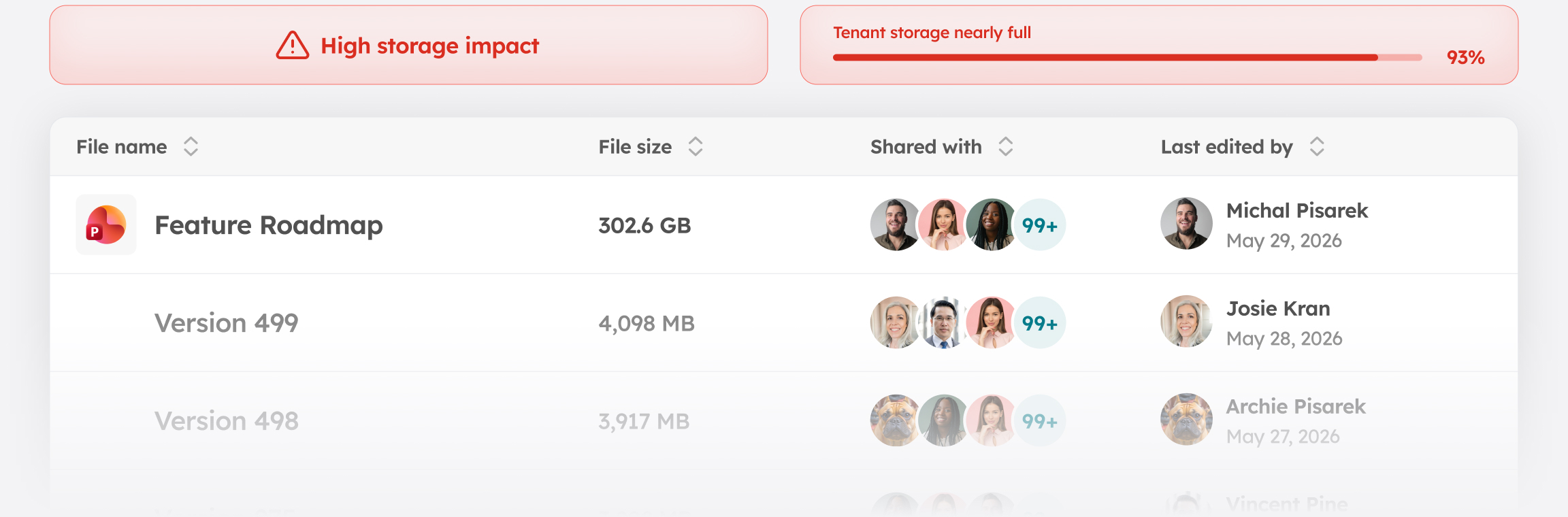
Up to 500 versions per file by default. Around 1.8 TB of version history a year per 1,000 users. Most of those versions are never accessed again, but they count against your storage quota from the moment they're created.

Dormant workspaces
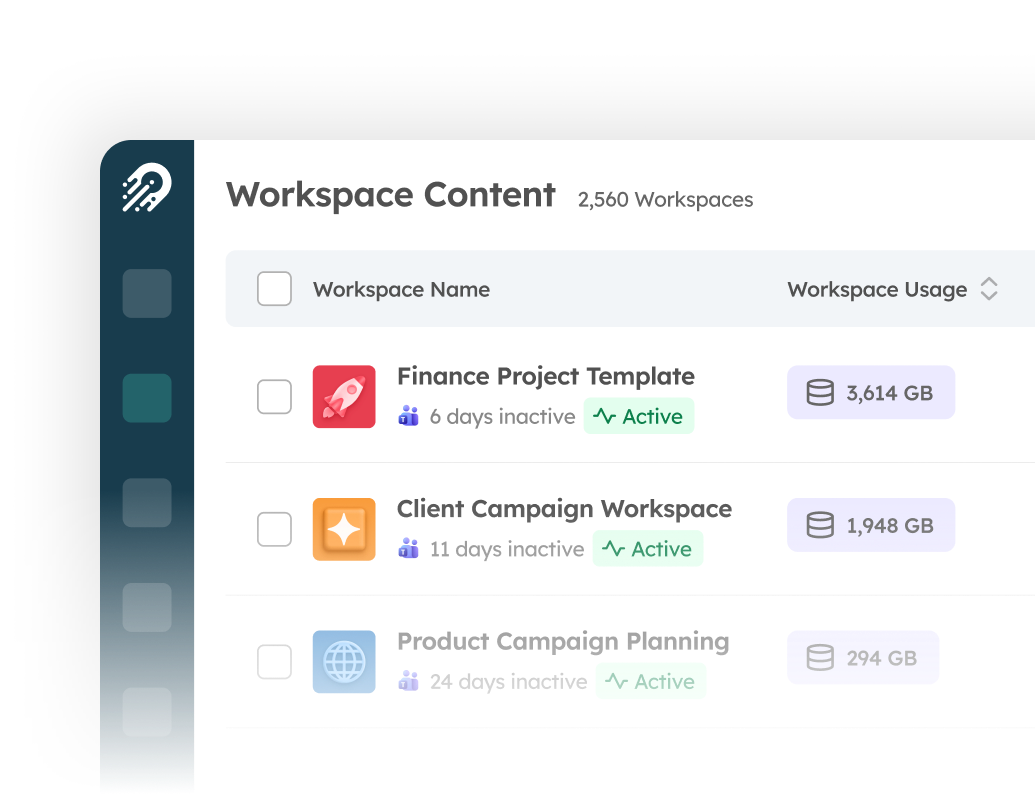
Two in three Teams and SharePoint workspaces are inactive on install day, and content keeps consuming storage.

Stale content, active sites
20 active files can keep 50,000 stale ones on the books. The site can't be archived, so the cost keeps growing.

Hidden growth drivers
Native reports don't break out version history, retention holds, or embedded containers, so the real causes stay hidden.

Cleanups that don't stick
Recycle bins hold deleted content against quota for 93 days. Retention policies can keep it much longer.

Reduce storage at scale with Orchestry
Orchestry gives you the visibility and tools to manage storage before it becomes a cost problem.

Version control at scale
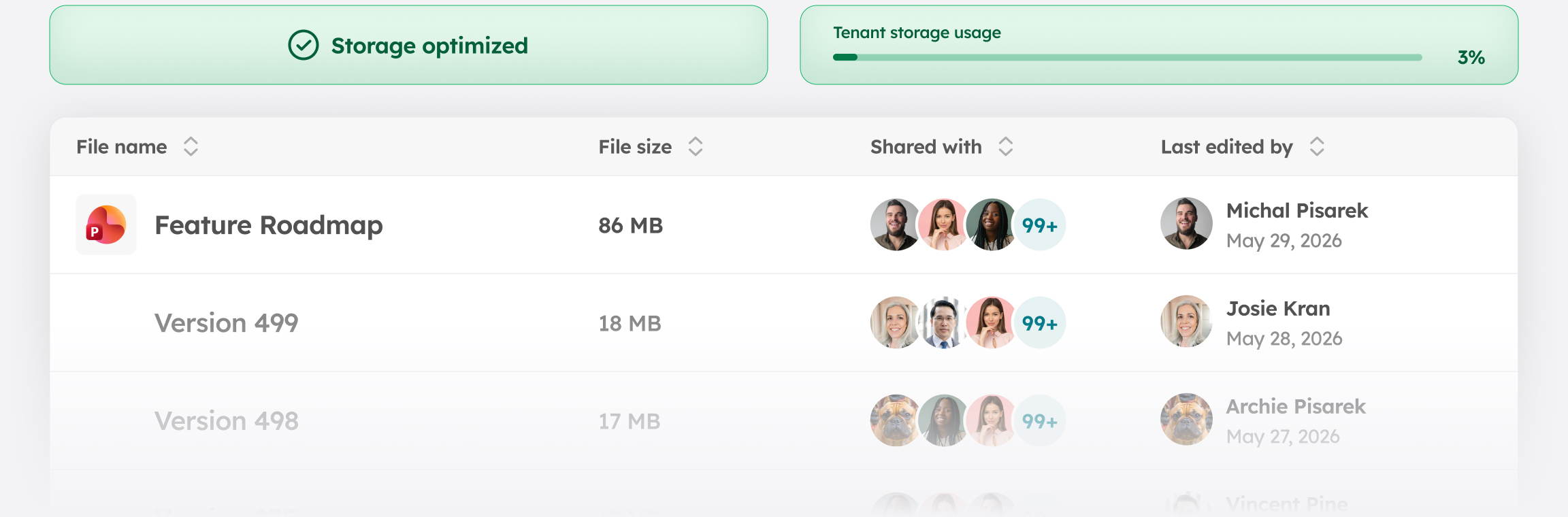
Set version limits across every library in one pass, with no site-by-site PowerShell required. Applying consistent caps tenant-wide prevents bloat from accumulating in the first place rather than waiting until it becomes a cleanup project.

Lifecycle automation
Find inactive sites, route decisions to owners, archive on a continuous cycle. Storage reduction happens automatically as part of how the environment is maintained.

Storage intelligence
See where storage is growing and why. Surface what native tools leave out, including version history by site, recycle bin consumption, and retention holds, so you can act on the real drivers and not just the totals.

Trim, then archive
Archiving a workspace without trimming first just locks in bloated storage at a lower cost tier. Orchestry lets you cut version history first, then move what remains to Microsoft 365 Archive.

Owner accountability
Owners review, certify, or clean up their own content. Storage stays managed at the source, not chased by IT, which means the governance burden scales with the organization instead of concentrating on a small IT team.
.png?width=242&height=56&name=Orchestry_Full_Logo_White_Text_Light%20(1).png)
With Orchestry, storage is managed continuously rather than reactively
Limits are enforced, inactive workspaces are reviewed, and growth stays visible before it becomes a bill, so costs never catch you off guard.