/HubSpot%20-%20eBook%20-%20Proof%20Card%20Mockup%20001.jpg?length=1000&name=HubSpot%20-%20eBook%20-%20Proof%20Card%20Mockup%20001.jpg)
/HubSpot%20-%20eBook%20-%20Proof%20Card%20Mockup%20001.jpg?length=1000&name=HubSpot%20-%20eBook%20-%20Proof%20Card%20Mockup%20001.jpg)
/HubSpot%20-%20eBook%20-%20Proof%20Card%20Mockup%20001.jpg?length=1000&name=HubSpot%20-%20eBook%20-%20Proof%20Card%20Mockup%20001.jpg)
/HubSpot%20-%20eBook%20-%20Proof%20Card%20Mockup%20001.jpg?length=1000&name=HubSpot%20-%20eBook%20-%20Proof%20Card%20Mockup%20001.jpg)
/HubSpot%20-%20eBook%20-%20Proof%20Card%20Mockup%20001.jpg?length=1000&name=HubSpot%20-%20eBook%20-%20Proof%20Card%20Mockup%20001.jpg)
/HubSpot%20-%20eBook%20-%20Proof%20Card%20Mockup%20001.jpg?length=1000&name=HubSpot%20-%20eBook%20-%20Proof%20Card%20Mockup%20001.jpg)
/HubSpot%20-%20eBook%20-%20Proof%20Card%20Mockup%20001.jpg?length=1000&name=HubSpot%20-%20eBook%20-%20Proof%20Card%20Mockup%20001.jpg)

/HubSpot%20-%20eBook%20-%20Proof%20Card%20Mockup%20001-min.jpg?length=1000&name=HubSpot%20-%20eBook%20-%20Proof%20Card%20Mockup%20001-min.jpg)


M365 Storage & Archival
Simplify M365 cleanup and reduce storage costs
Remove redundant, obsolete, and trivial content with automated archiving and version cleanup. Orchestry accelerates cleanup by delegating reviews to site owners and applying consistent archival rules that remove old versions, adjust permissions, rename workspaces, or relocate content when required.
.png?width=202&height=47&name=Orchestry_Full_Logo_White_Text_Light%20(1).png)
Storage & Archival
Keep important content secure and compliant
Automated cleanup and delegated reviews help keep available content current and trusted. Teams can find what they need quickly and storage costs stay under control.
/Hubspot%20-%20eBook%20-%20Center%20001.png)
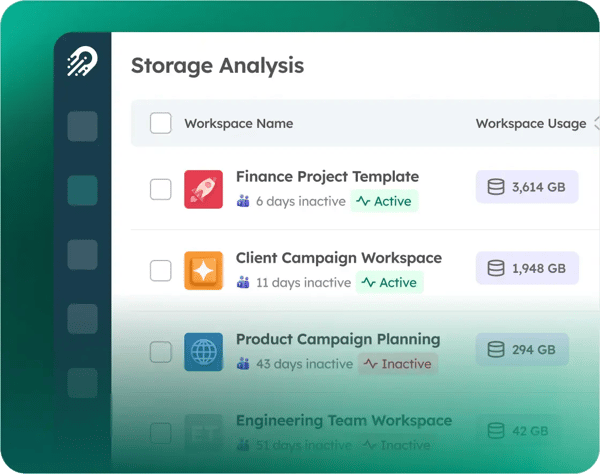
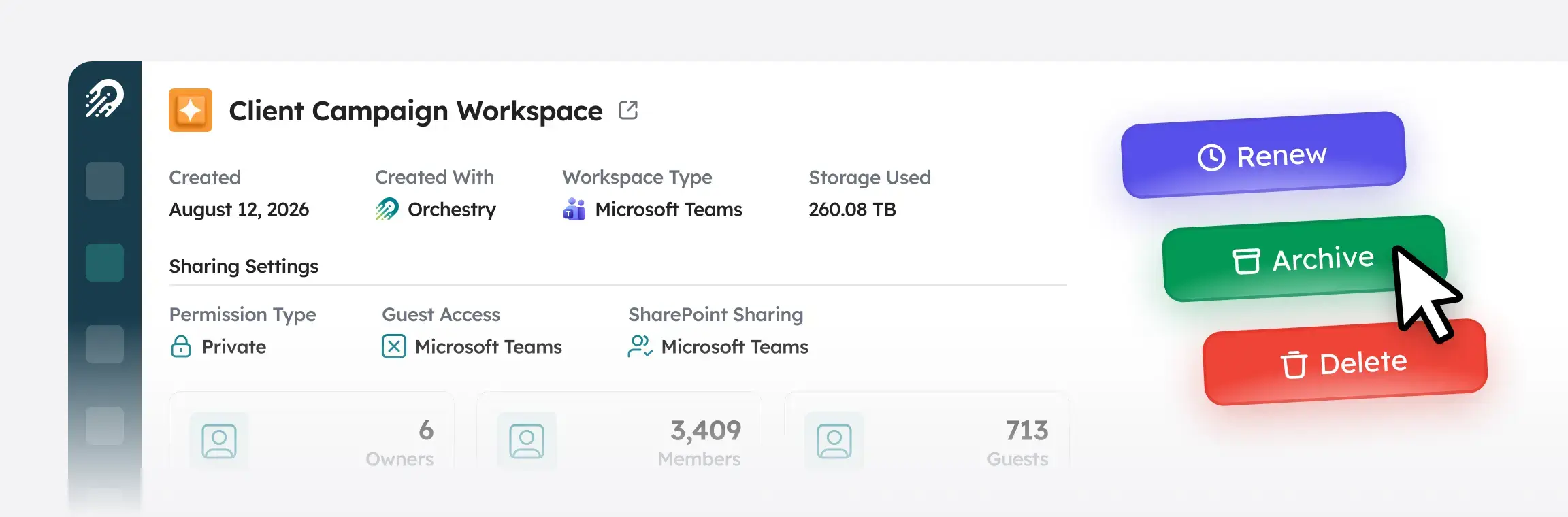
Automated Archivals
Automates workspace lifecycle management by archiving or deleting inactive workspaces using configurable policies, methods, and inactivity thresholds.
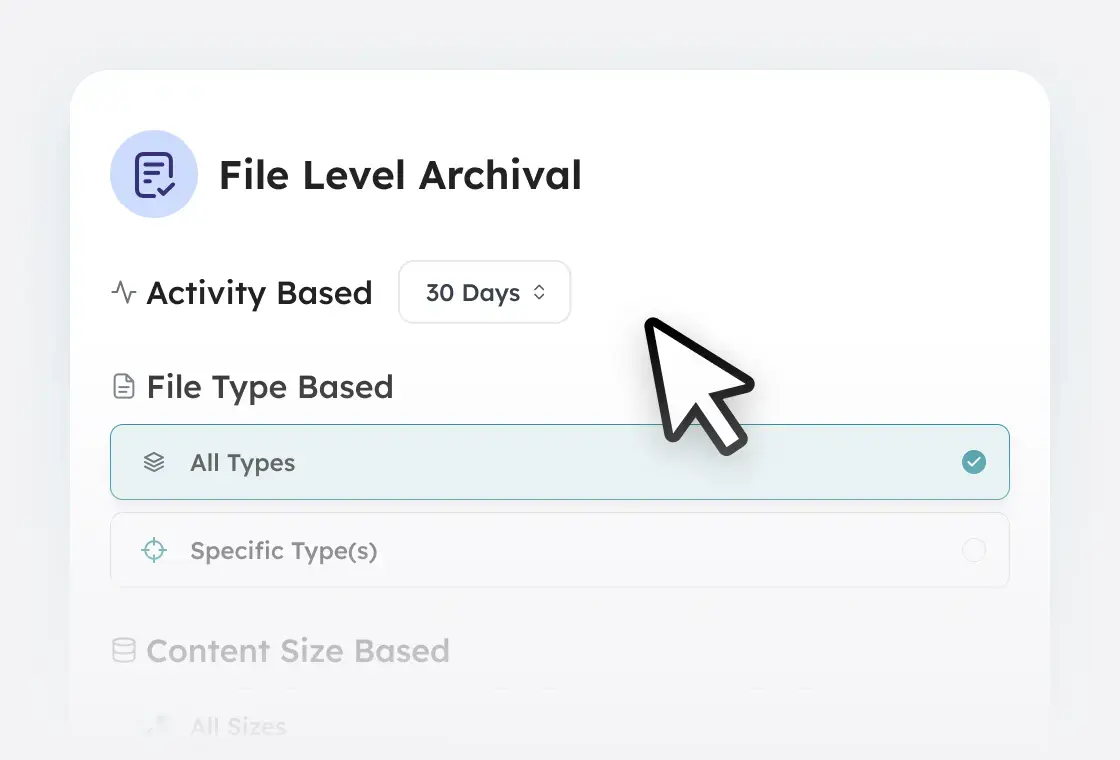
File Level Archival
Archives inactive files within active workspaces at scale using rule-based automation, reducing storage costs without disrupting ongoing collaboration.
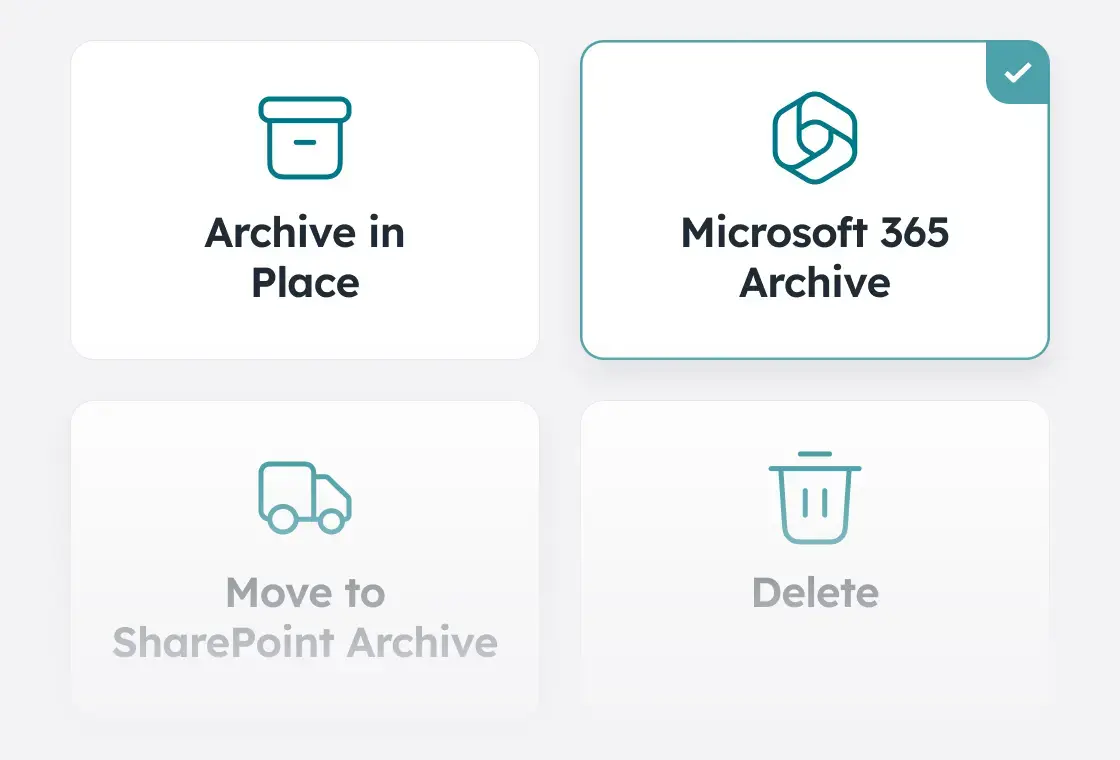
M365 Archive
Archives SharePoint sites using native M365 Archive capabilities to reduce storage consumption while keeping content within the Microsoft 365 environment.
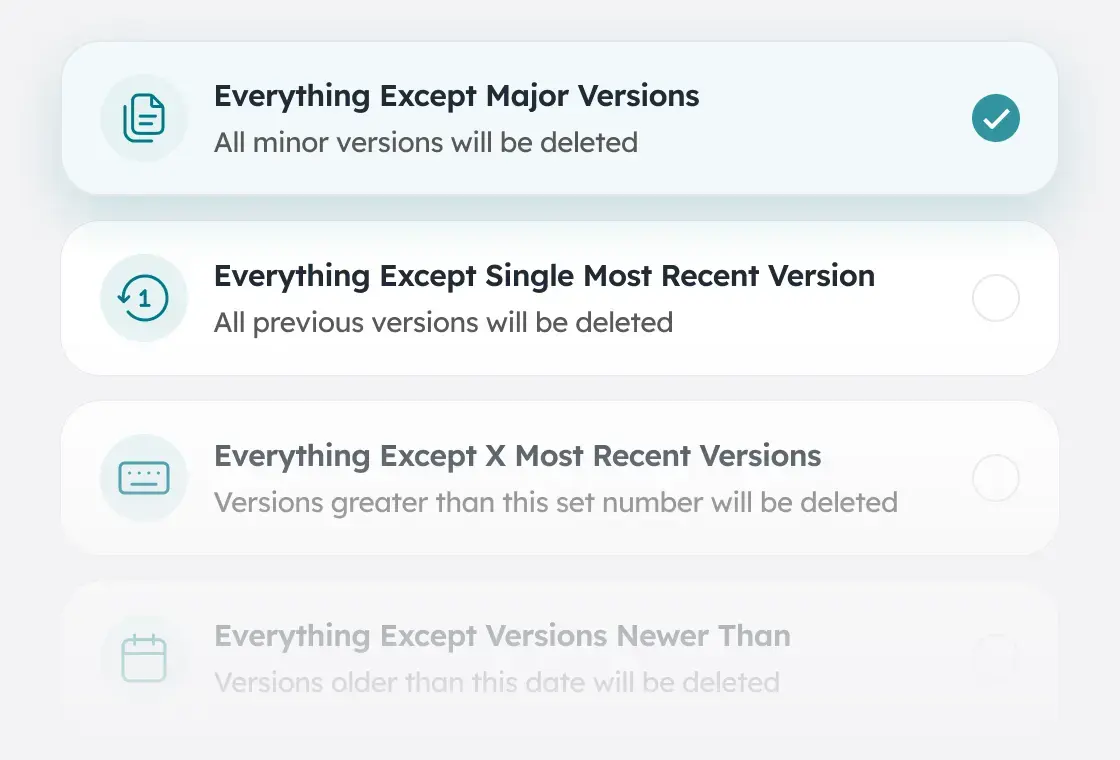
Mass Version Purging
Executes asynchronous purging jobs across hundreds or thousands of SharePoint Sites at once, clearing bloated version history to reclaim significant tenant storage with minimal administrative effort.
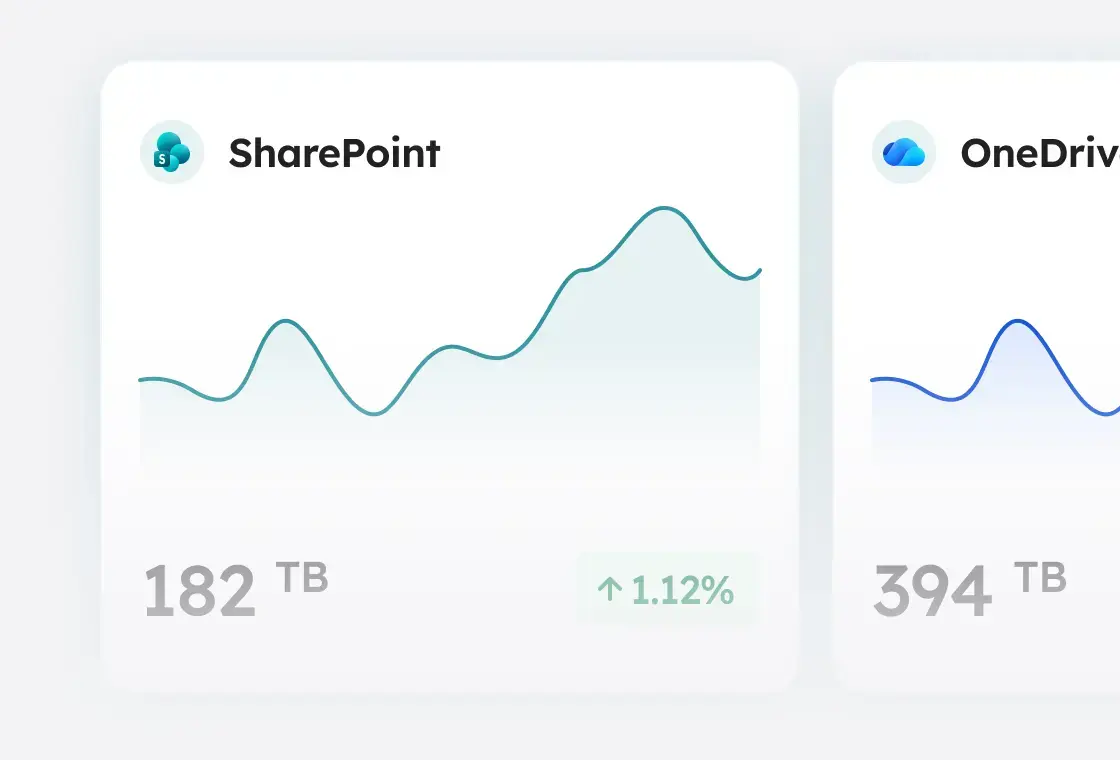
Tenant Storage Reporting
Provides detailed reporting on tenant storage usage across OneDrive, SharePoint, and Teams, enabling analysis of trends and optimization opportunities.