/HubSpot%20-%20eBook%20-%20Proof%20Card%20Mockup%20001.jpg?length=1000&name=HubSpot%20-%20eBook%20-%20Proof%20Card%20Mockup%20001.jpg)
/HubSpot%20-%20eBook%20-%20Proof%20Card%20Mockup%20001.jpg?length=1000&name=HubSpot%20-%20eBook%20-%20Proof%20Card%20Mockup%20001.jpg)
/HubSpot%20-%20eBook%20-%20Proof%20Card%20Mockup%20001.jpg?length=1000&name=HubSpot%20-%20eBook%20-%20Proof%20Card%20Mockup%20001.jpg)
/HubSpot%20-%20eBook%20-%20Proof%20Card%20Mockup%20001.jpg?length=1000&name=HubSpot%20-%20eBook%20-%20Proof%20Card%20Mockup%20001.jpg)
/HubSpot%20-%20eBook%20-%20Proof%20Card%20Mockup%20001.jpg?length=1000&name=HubSpot%20-%20eBook%20-%20Proof%20Card%20Mockup%20001.jpg)
/HubSpot%20-%20eBook%20-%20Proof%20Card%20Mockup%20001.jpg?length=1000&name=HubSpot%20-%20eBook%20-%20Proof%20Card%20Mockup%20001.jpg)
/HubSpot%20-%20eBook%20-%20Proof%20Card%20Mockup%20001.jpg?length=1000&name=HubSpot%20-%20eBook%20-%20Proof%20Card%20Mockup%20001.jpg)

/HubSpot%20-%20eBook%20-%20Proof%20Card%20Mockup%20001-min.jpg?length=1000&name=HubSpot%20-%20eBook%20-%20Proof%20Card%20Mockup%20001-min.jpg)


Microsoft 365 Tenant Inventory
Stop building reports just to understand your environment.
Microsoft 365 tenants grow quickly across Teams, SharePoint sites, OneDrive, sharing links, and permissions.
Understanding what actually exists often means jumping between admin centers, exports, and PowerShell scripts to get basic answers. Even then, the picture is incomplete.

Where visibility breaks down
As your tenant grows, clarity disappears.

Reporting is scattered
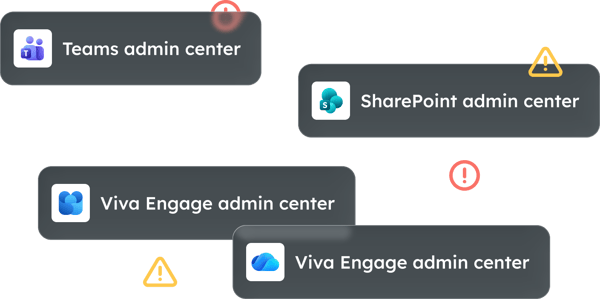
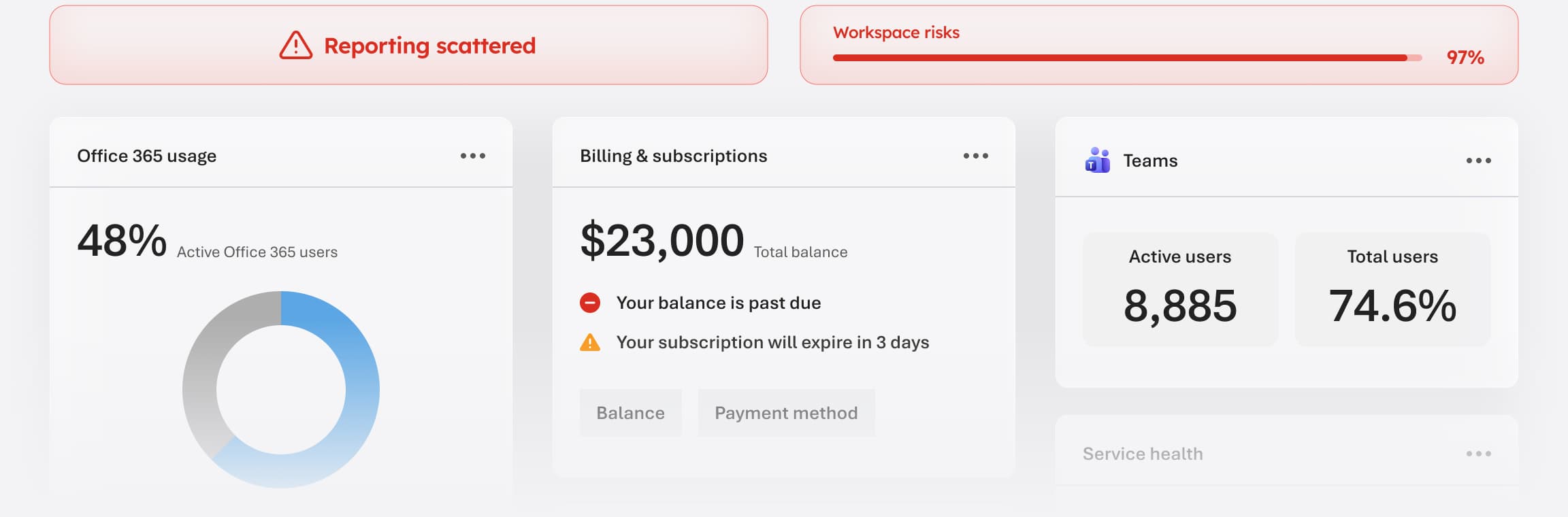
Data is spread across multiple admin centers, tools, and licenses. No single view shows you the full picture, and the gap between what you can see and what's actually happening in the tenant grows wider as the environment scales.

Ownership is missing
Workspaces are orphaned, with no defined or active owner. Without ownership data in a single place, there's no reliable way to know who to contact, who's responsible for compliance, or who should be making cleanup decisions.

Reporting is manual
IT relies on exports and PowerShell scripts to answer simple questions. Even then, the data is a point-in-time snapshot, and by the time the report is ready, something has already changed

Workspaces go untracked
New Teams and sites are created without centralized visibility. The tenant grows continuously, but the visibility into what exists, who created it, and what it contains doesn't grow with it.

Decisions made on guesswork
Without a complete view, governance calls get made on incomplete data, and gaps surface only when something goes wrong.

Understand and manage your tenant with Orchestry
Orchestry gives you a complete, real-time view of your Microsoft 365 tenant, so the answers are built in instead of pieced together.

Centralized reporting
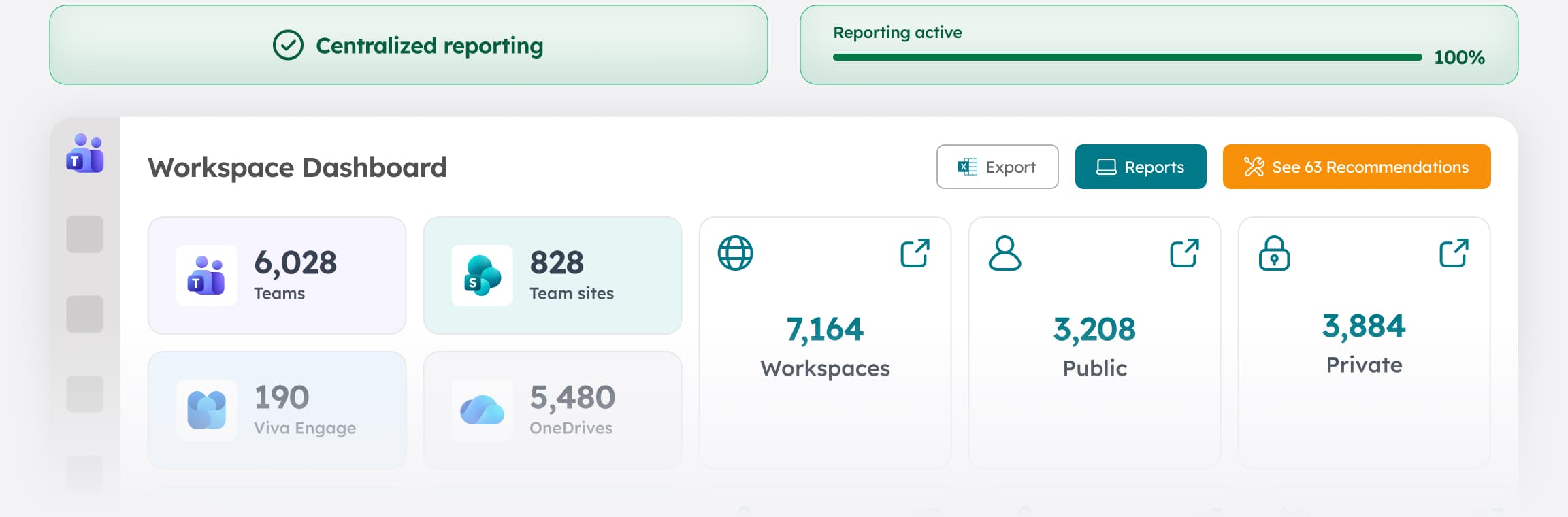
See Teams, SharePoint sites, OneDrive, Viva Engage, sharing links, permissions and more in one place. No admin center juggling. Everything your team needs to understand the tenant is built into a single, always-current view.

Ownership clarity
Identify who owns each workspace, and where ownership is missing. Ownership data is visible at a glance across every workspace type, so gaps get resolved before they create governance or compliance exposure.

Activity insights
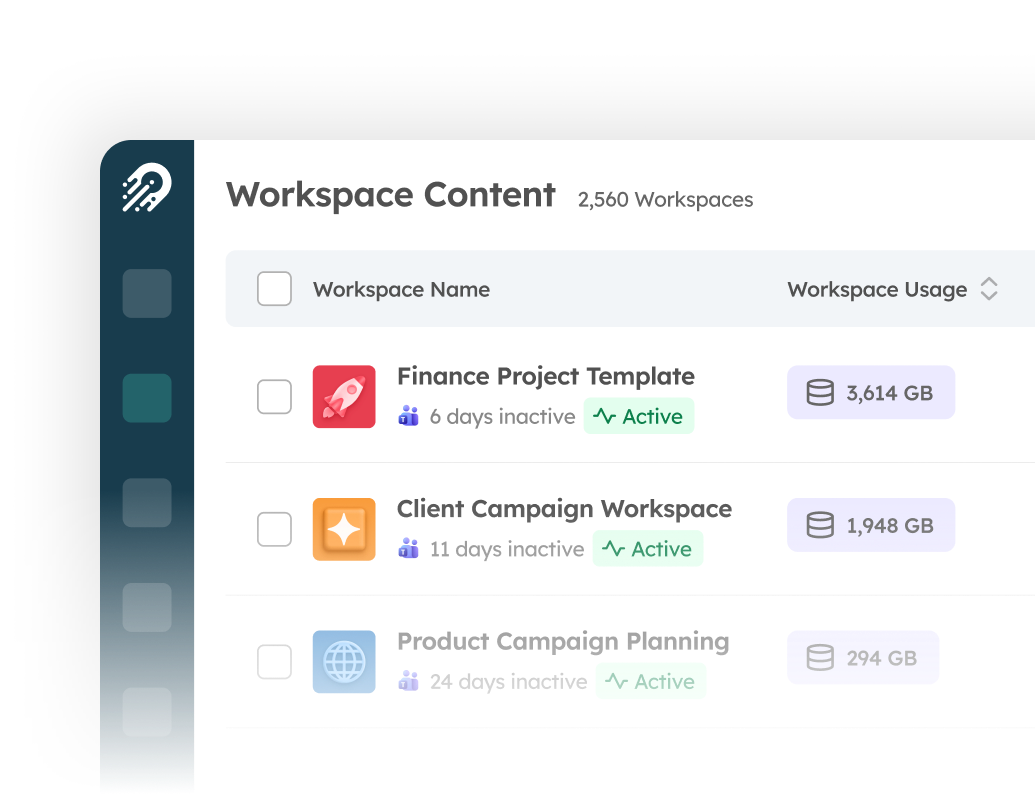
Understand what’s active, inactive, and no longer needed. Activity signals are built into the inventory view, so you can filter to what matters and make decisions based on what's actually happening, not what was true six months ago.

Governance alignment
Spot policy gaps, oversharing, and ownership issues in one view. When governance data lives alongside inventory data, problems that would normally surface only during an audit become visible and addressable before they escalate.

Actionable reporting
Turn insight into action without switching tools. Remediate sharing links, trigger reviews, and reassign ownership without leaving the dashboard.
.png?width=242&height=56&name=Orchestry_Full_Logo_White_Text_Light%20(1).png)
With Orchestry, the inventory and the action live in the same place.
Understanding your environment and managing it stop being two separate jobs. Knowing you have a visibility problem is the easy part. Orchestry is where you do something about it.