/HubSpot%20-%20eBook%20-%20Proof%20Card%20Mockup%20001.jpg?length=1000&name=HubSpot%20-%20eBook%20-%20Proof%20Card%20Mockup%20001.jpg)
/HubSpot%20-%20eBook%20-%20Proof%20Card%20Mockup%20001.jpg?length=1000&name=HubSpot%20-%20eBook%20-%20Proof%20Card%20Mockup%20001.jpg)
/HubSpot%20-%20eBook%20-%20Proof%20Card%20Mockup%20001.jpg?length=1000&name=HubSpot%20-%20eBook%20-%20Proof%20Card%20Mockup%20001.jpg)
/HubSpot%20-%20eBook%20-%20Proof%20Card%20Mockup%20001.jpg?length=1000&name=HubSpot%20-%20eBook%20-%20Proof%20Card%20Mockup%20001.jpg)
/HubSpot%20-%20eBook%20-%20Proof%20Card%20Mockup%20001.jpg?length=1000&name=HubSpot%20-%20eBook%20-%20Proof%20Card%20Mockup%20001.jpg)
/HubSpot%20-%20eBook%20-%20Proof%20Card%20Mockup%20001.jpg?length=1000&name=HubSpot%20-%20eBook%20-%20Proof%20Card%20Mockup%20001.jpg)
/HubSpot%20-%20eBook%20-%20Proof%20Card%20Mockup%20001.jpg?length=1000&name=HubSpot%20-%20eBook%20-%20Proof%20Card%20Mockup%20001.jpg)
/HubSpot%20-%20eBook%20-%20Proof%20Card%20Mockup%20001-min.jpg?length=1000&name=HubSpot%20-%20eBook%20-%20Proof%20Card%20Mockup%20001-min.jpg)


Manufacturing
Keep production moving, without the IT bottlenecks
Orchestry gives your IT team one place to provision, secure, and retire the Teams and SharePoint sites behind every plant, project, and department. Every new site is consistent, contractors only see what they should, and you stop paying for storage no one owns.
Request a demo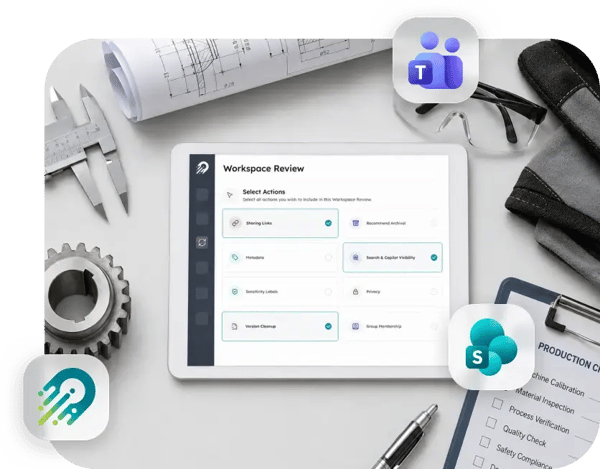

Manual setup that doesn’t scale
New sites get created by email request or a walk-up to the one admin who knows how. It’s slow, inconsistent, and it doesn’t hold up as the business grows.

Storage you keep buying
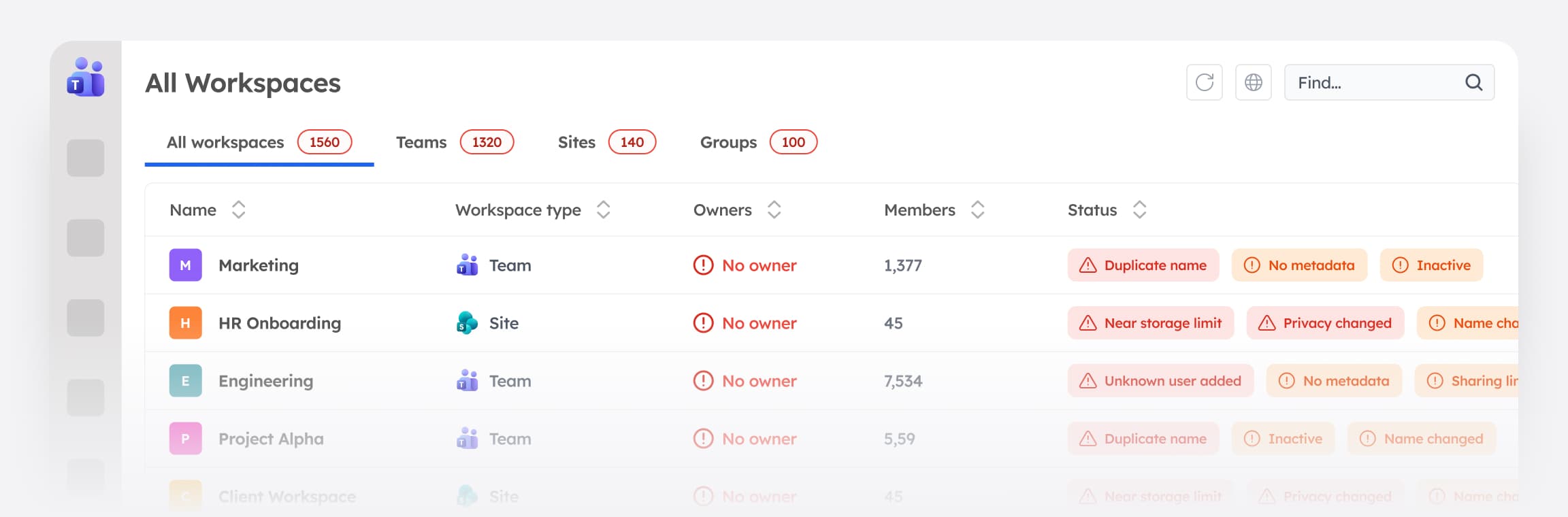
Old project and department sites sit in SharePoint storage and licensing cost because nobody archives them, and the bill keeps climbing.

Contractors and vendors who never leave
External partners get added for one project or one line and maintain access long after the work is done.

No two workspaces look the same
When departments and plants create sites however they need to, naming, structure, and permissions vary. Finding the right one, or trusting its permissions, takes longer than it should.

AI surfaces everything a user can already reach
Old project sites, stale contractor accounts, and oversharing don’t disappear when Copilot is turned on. They become discoverable. Getting a manufacturing tenant AI-ready means doing the access and cleanup work first.

"I run Microsoft 365 for the whole company with a very small team, and standing up a new site used to mean doing every step by hand. With Orchestry, people request a workspace and it's provisioned to our standard automatically, with the right naming, access, and structure already in place. The time it saved paid for the subscription on its own, and I stopped being the bottleneck."
| IT Leader Manufacturing organization |
700+
inactive Teams archived via lifecycle management
300+
stale external guest accounts cleaned up
$393K
reclaimed in year one by archiving inactive workspaces
Every site created to standard, without a ticket to IT
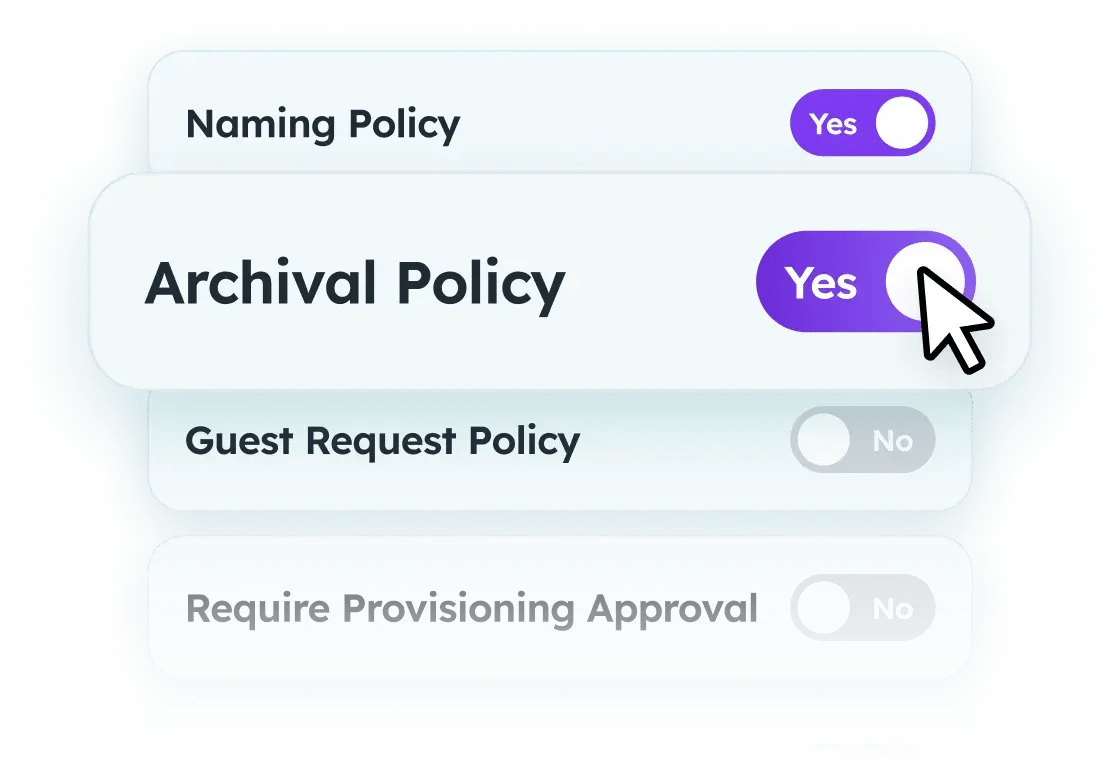
The people requesting sites on the plant floor and across departments aren't Microsoft 365 experts, and they shouldn't have to be. Provisioning templates carry your governance into the moment of creation: naming conventions, the right sensitivity label, required metadata, library structure, and approval routing for higher-risk requests. Whoever makes the request, the workspace comes out consistent and compliant, and your IT team stops being the manual bottleneck.
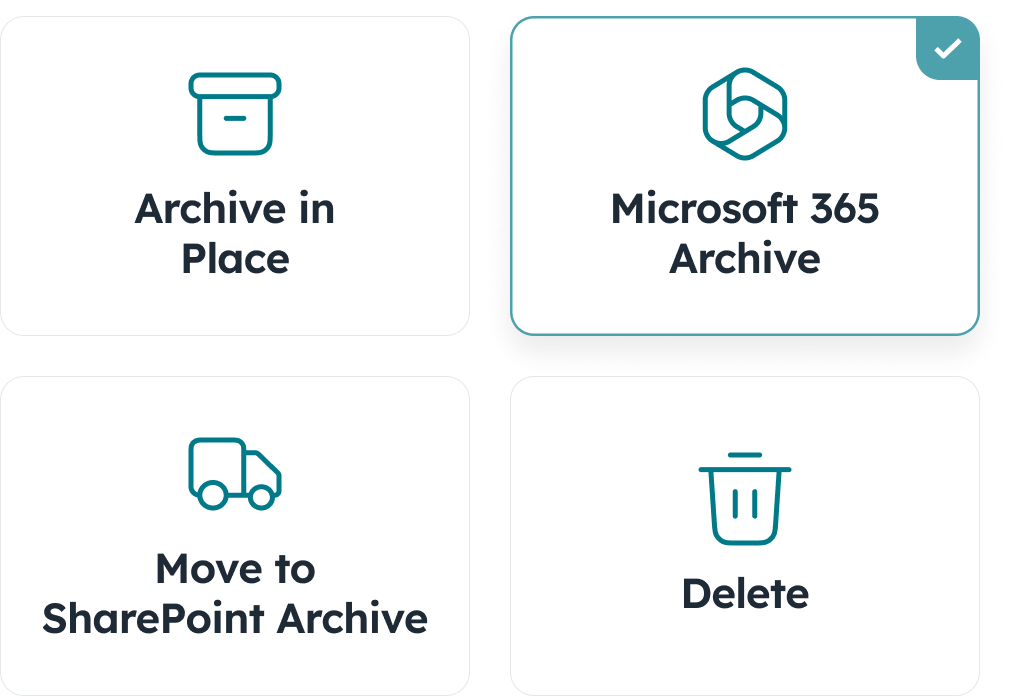
Reclaim the storage you keep paying for
Delegated lifecycle workflows send the archive decision to the site owner as a one-click action, not a backlog item for IT. Old sites get archived, storage and licensing come back, and the tenant stays the size of your active work.
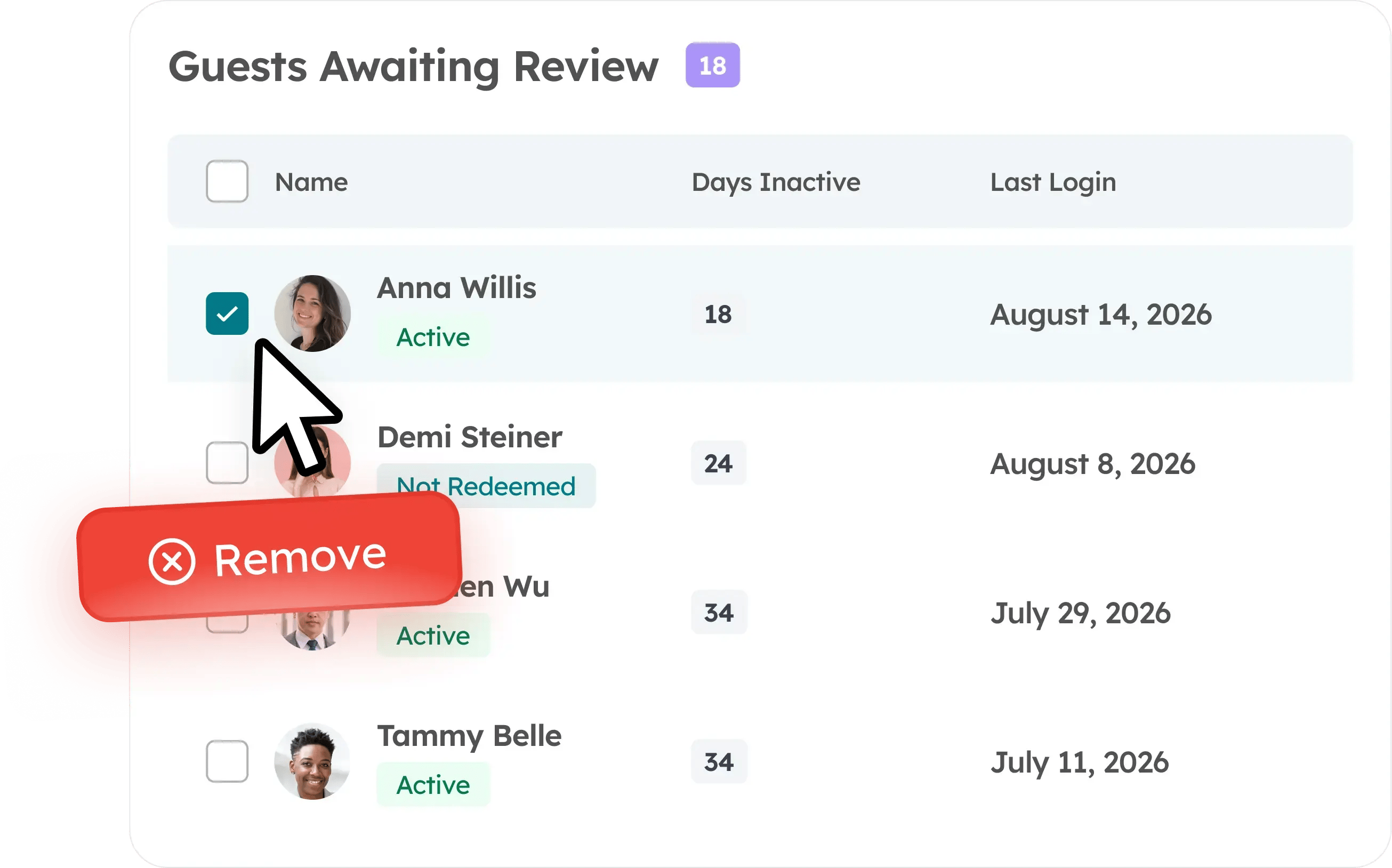
External access you can see and control
Guest access requests route to an owner for one-click approval. Workspace reviews walk an owner through guest access and sharing health on a regular cadence. Oversharing detection flags the sites exposing more than they should. That same cleaned-up access surface is what makes a manufacturing tenant ready for Copilot.