/HubSpot%20-%20eBook%20-%20Proof%20Card%20Mockup%20001.jpg?length=1000&name=HubSpot%20-%20eBook%20-%20Proof%20Card%20Mockup%20001.jpg)
/HubSpot%20-%20eBook%20-%20Proof%20Card%20Mockup%20001.jpg?length=1000&name=HubSpot%20-%20eBook%20-%20Proof%20Card%20Mockup%20001.jpg)
/HubSpot%20-%20eBook%20-%20Proof%20Card%20Mockup%20001.jpg?length=1000&name=HubSpot%20-%20eBook%20-%20Proof%20Card%20Mockup%20001.jpg)
/HubSpot%20-%20eBook%20-%20Proof%20Card%20Mockup%20001.jpg?length=1000&name=HubSpot%20-%20eBook%20-%20Proof%20Card%20Mockup%20001.jpg)
/HubSpot%20-%20eBook%20-%20Proof%20Card%20Mockup%20001.jpg?length=1000&name=HubSpot%20-%20eBook%20-%20Proof%20Card%20Mockup%20001.jpg)
/HubSpot%20-%20eBook%20-%20Proof%20Card%20Mockup%20001.jpg?length=1000&name=HubSpot%20-%20eBook%20-%20Proof%20Card%20Mockup%20001.jpg)
/HubSpot%20-%20eBook%20-%20Proof%20Card%20Mockup%20001.jpg?length=1000&name=HubSpot%20-%20eBook%20-%20Proof%20Card%20Mockup%20001.jpg)

/HubSpot%20-%20eBook%20-%20Proof%20Card%20Mockup%20001-min.jpg?length=1000&name=HubSpot%20-%20eBook%20-%20Proof%20Card%20Mockup%20001-min.jpg)


M365 Security & Permissions
No more mystery access
Gain visibility into privacy, sensitivity, sharing, and membership across your workspaces, and adjust at scale in just a few clicks. Spot risks quickly so you stay in control.
.png?width=202&height=47&name=Orchestry_Full_Logo_White_Text_Light%20(1).png)
Security & Permissions
Stay aligned, stay secure
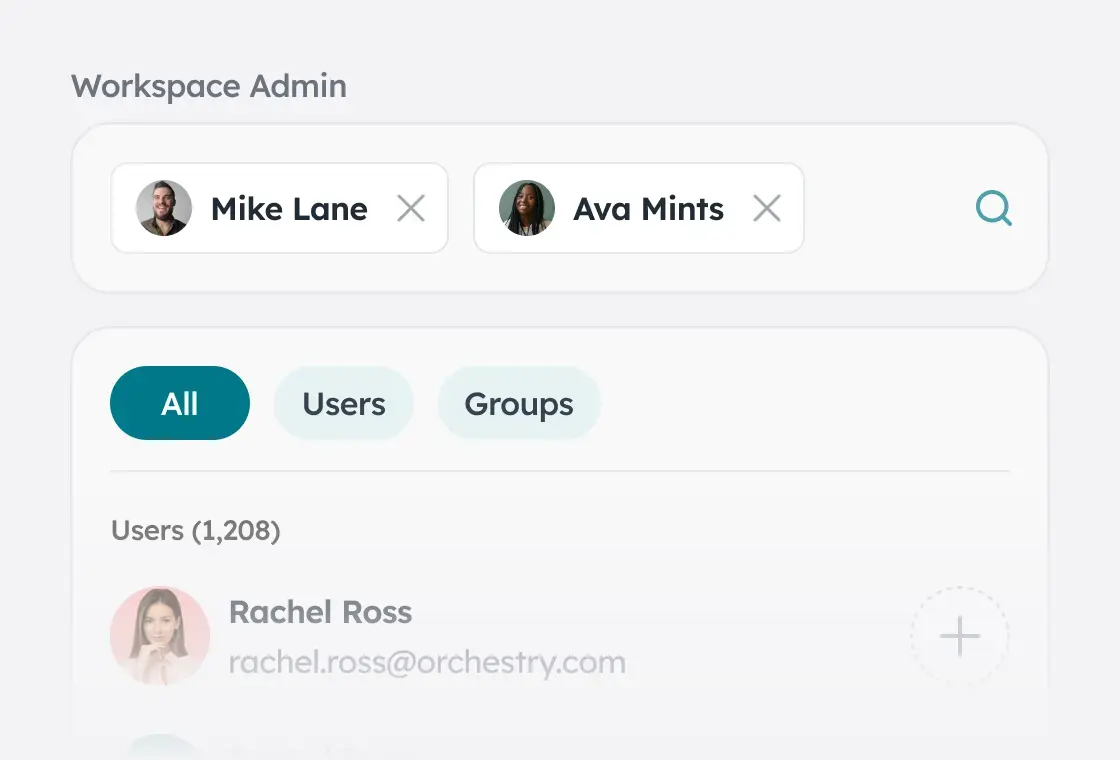
Permissions stay clear, consistent, and easy to manage through automated reviews and delegated ownership. Access stays aligned as teams evolve, balancing security and productivity while reducing the manual burden of constant checks.
/Hubspot%20-%20eBook%20-%20Center%20001.png)
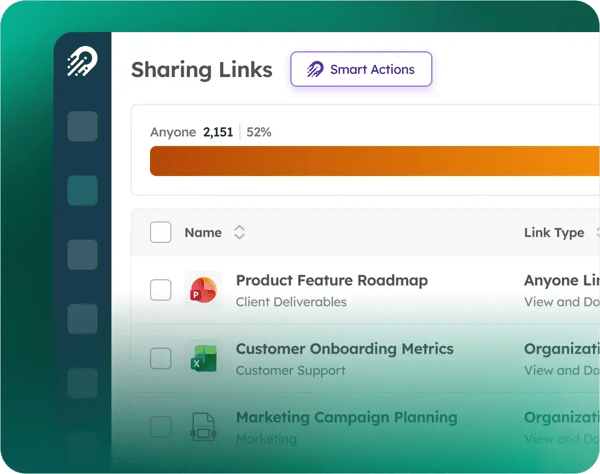
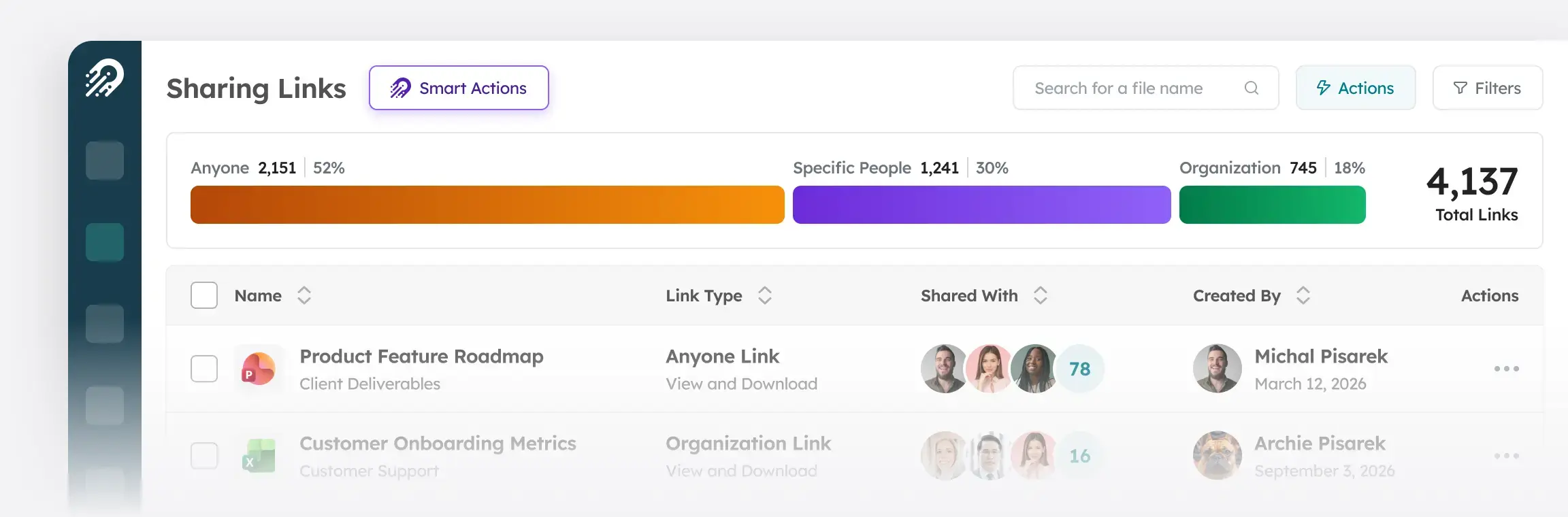
Sharing Links Reporting
Provides comprehensive reporting on all sharing links across workspaces, enabling admins to analyze permissions and delete links at scale for security.
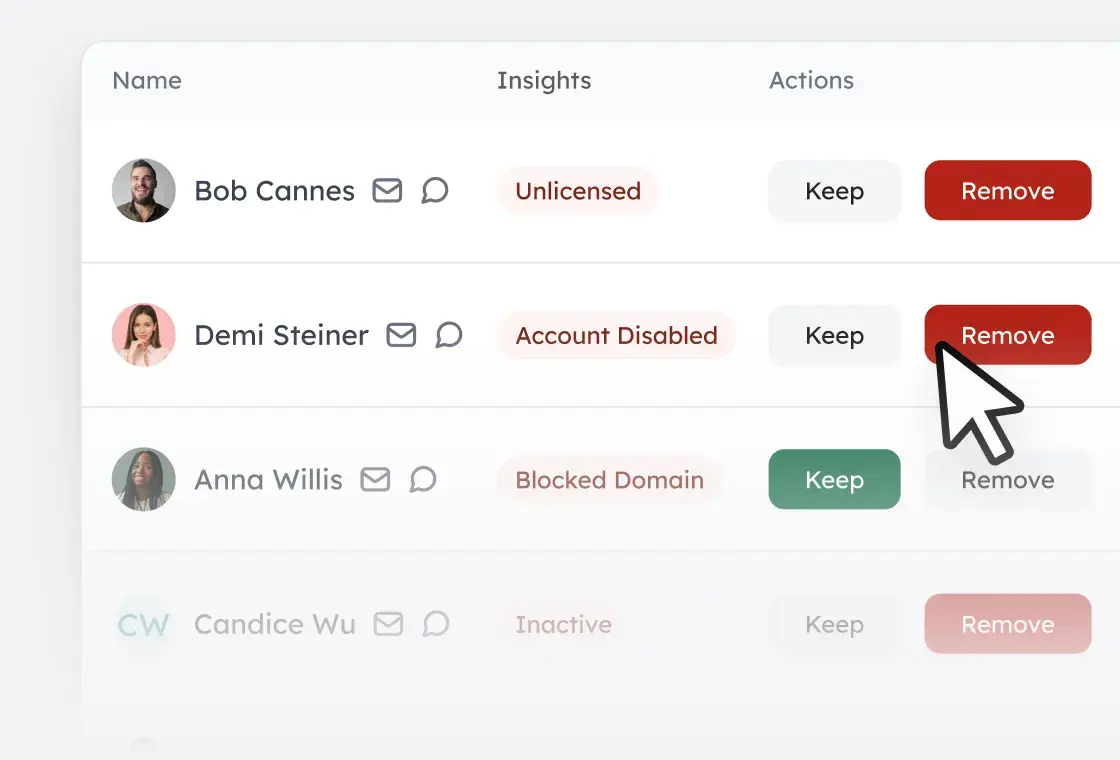
Membership Review
Validates workspace membership by reviewing user roles and removing inactive users, helping maintain compliance with minimum owner and member requirements.
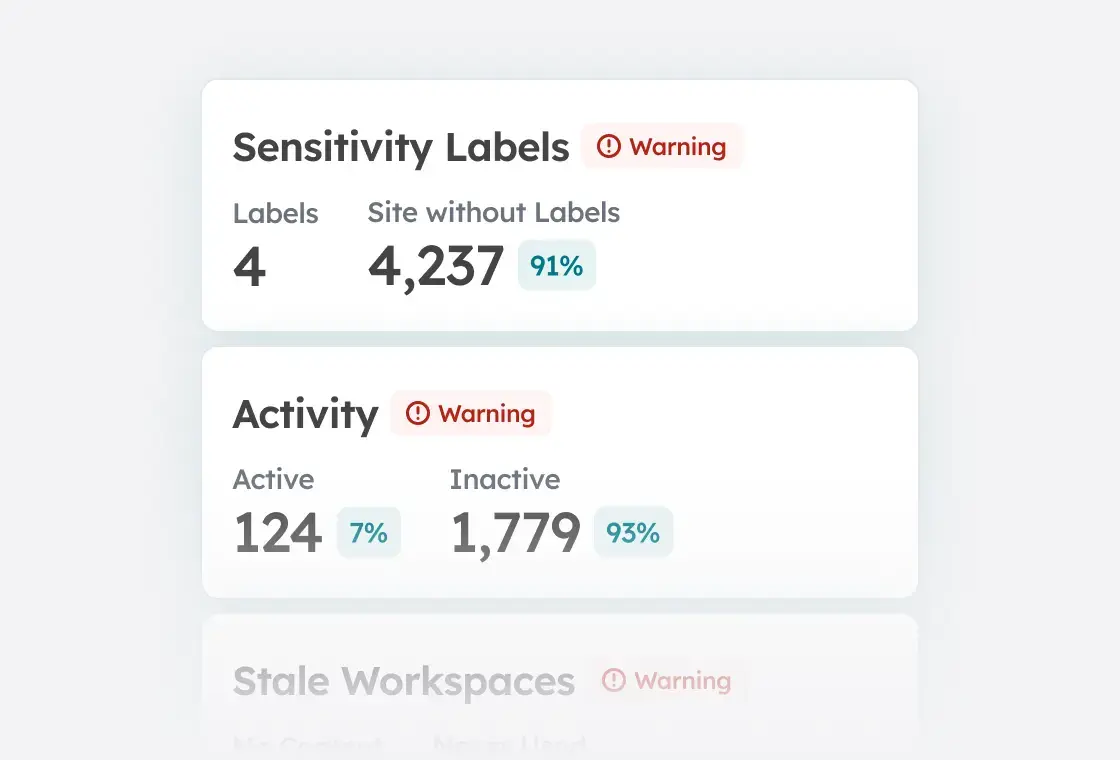
Sensitivity Monitoring
Analyzes sensitivity labels against your security policies to help reduce the risk of unauthorized access or exposure.
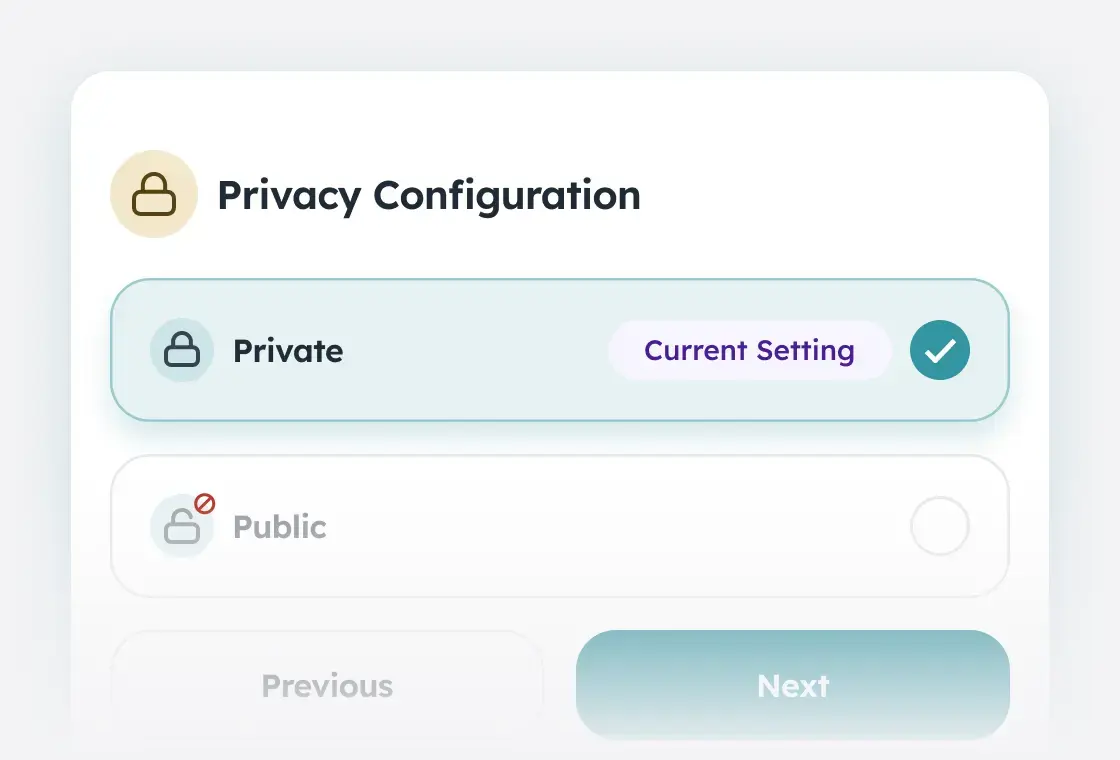
Privacy Review
Confirms that SharePoint workspace privacy settings are correctly configured as public or private, helping ensure appropriate audience access and reducing the risk of unintended exposure or oversharing.
Role Based Access Control
Controls administrator access through role-based authorization, enforcing least privilege principles, granular permissions, and segregation of functionality and data.