

Microsoft 365 for Education
A Microsoft 365 tenant that stays governed as fast as it grows
Universities create class and project sites constantly, for thousands of students, staff, and outside collaborators. Orchestry gives IT one place to provision sites to standard, apply the right sensitivity labels, control guest access, and reclaim storage from sites no one uses anymore.
Book a demo67%
of workspaces inactive within 90 days at first measure
700+
inactive Teams archived via lifecycle management
$393K
reclaimed in year one by archiving inactive workspaces
Results achieved with Orchestry by higher education institutions.

The real problem
Every class spins up a site. Few of them ever close.
How Orchestry helps
One place to provision, secure, and reclaim.
Provisioning & Templates
Class and project sites, created to standard.
Provisioning Templates apply naming conventions, blocked words, the correct sensitivity label, required metadata, and structure at the moment a workspace is created, with approval routing for higher-risk requests. Faculty and staff get a self-serve request that produces a governed site every time.
Native SharePoint creation has no naming enforcement, no sensitivity label requirement, and no approval workflow unless you build it yourself.
Guest Access & Sensitivity
Guest access and sensitivity, under control.
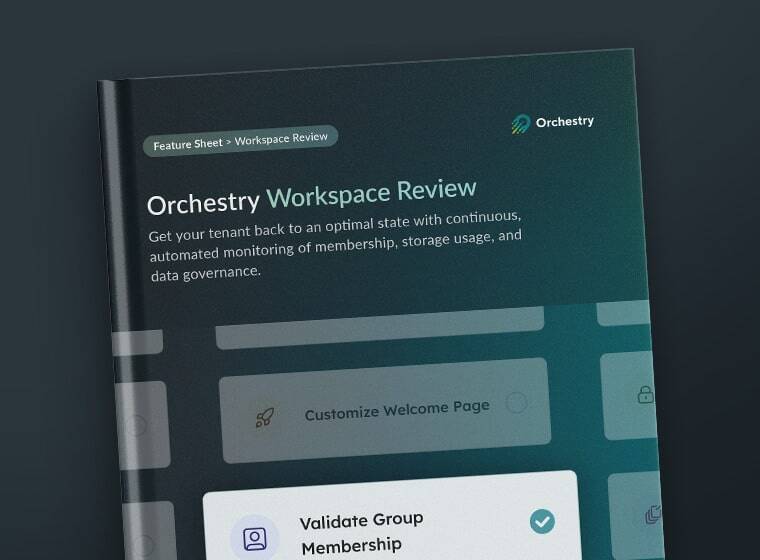
Guest requests route to a responsible site owner for one-click approval. The Team Information tab surfaces membership, sharing links, and broken permissions in a single view. Workspace Review walks owners through guest access, sensitivity labels, and sharing health monthly in about 20 minutes. Oversharing detection flags sites exposing sensitive student or research content too broadly.
Storage & Lifecycle
Reclaim storage from sites no one uses.
Delegated lifecycle workflows route archive and reassignment decisions to the site owner as one-click actions. Inactive class and project sites are retired on schedule, storage comes back, and active content stays exactly where people expect to find it, without IT chasing every owner manually.
Microsoft 365 alone vs. Orchestry
The governance layer Microsoft doesn't include.
"The visibility and reporting in Orchestry drive us to be proactive — acting on guest access and sharing risks before they become security issues."
Glenn Penfold
Associate Director of Architecture & Applications
36%
of Teams identified for archiving — approximately 75 hours per month saved for IT.
Trust & compliance
Built for teams that can't afford a security incident.
SOC 2 Type II ISO 27001 GDPR Drata Real-Time Security Monitoring Self Data Hosting Available Securely Hosted in Microsoft Azure
FAQ
Common questions asked from higher education IT.
Keep your campus tenant governed as it grows.
Book a 20-minute demo and we'll show you how Orchestry provisions, secures, and retires class and project sites across your Microsoft 365 tenant.