/HubSpot%20-%20eBook%20-%20Proof%20Card%20Mockup%20001.jpg?length=1000&name=HubSpot%20-%20eBook%20-%20Proof%20Card%20Mockup%20001.jpg)
/HubSpot%20-%20eBook%20-%20Proof%20Card%20Mockup%20001.jpg?length=1000&name=HubSpot%20-%20eBook%20-%20Proof%20Card%20Mockup%20001.jpg)
/HubSpot%20-%20eBook%20-%20Proof%20Card%20Mockup%20001.jpg?length=1000&name=HubSpot%20-%20eBook%20-%20Proof%20Card%20Mockup%20001.jpg)
/HubSpot%20-%20eBook%20-%20Proof%20Card%20Mockup%20001.jpg?length=1000&name=HubSpot%20-%20eBook%20-%20Proof%20Card%20Mockup%20001.jpg)
/HubSpot%20-%20eBook%20-%20Proof%20Card%20Mockup%20001.jpg?length=1000&name=HubSpot%20-%20eBook%20-%20Proof%20Card%20Mockup%20001.jpg)
/HubSpot%20-%20eBook%20-%20Proof%20Card%20Mockup%20001.jpg?length=1000&name=HubSpot%20-%20eBook%20-%20Proof%20Card%20Mockup%20001.jpg)
/HubSpot%20-%20eBook%20-%20Proof%20Card%20Mockup%20001.jpg?length=1000&name=HubSpot%20-%20eBook%20-%20Proof%20Card%20Mockup%20001.jpg)

/HubSpot%20-%20eBook%20-%20Proof%20Card%20Mockup%20001-min.jpg?length=1000&name=HubSpot%20-%20eBook%20-%20Proof%20Card%20Mockup%20001-min.jpg)

Choose the Right Microsoft 365 Tools
Simplify Microsoft Teams and SharePoint features for end users by providing them with the right tools for every business need and function, relieving them of the need to make decisions, all while adhering to your organizational and governance standards.
* Access Orchestry for FREE for up to 28 days


With Orchestry, you can add the granularity that most organizations need. You can give ownership to business users for things that IT can't/shouldn't decide.
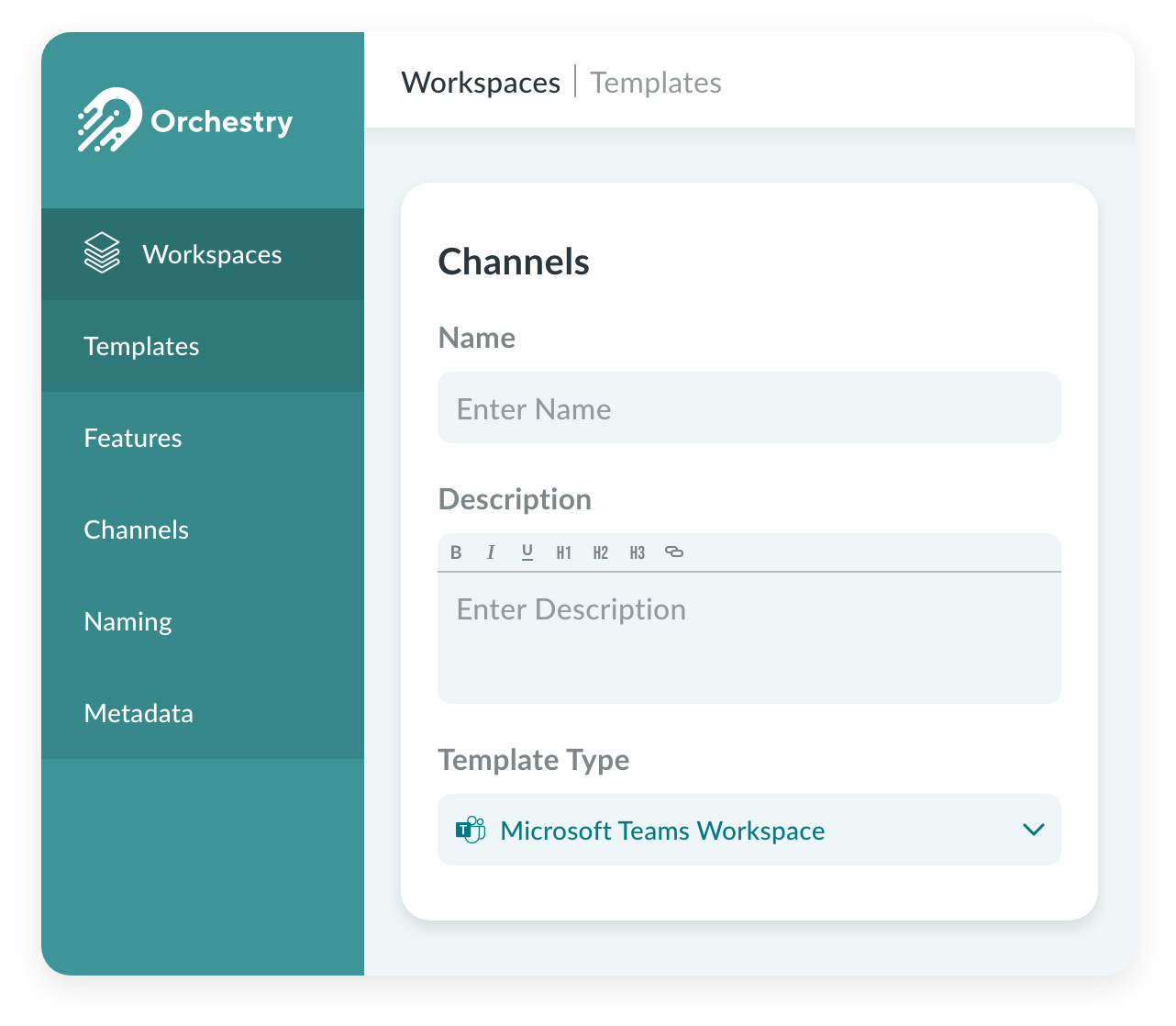
Efficient Teams & SharePoint Features
Without proper education or empowerment, Microsoft 365 end users will struggle to make sense of the vast array of tools available to them, leading to analysis paralysis and poor platform adoption. Orchestry's solution is to provide preconfigured Teams and SharePoint templates that prioritize business needs, allowing users to leverage Microsoft Teams features effectively and compliantly without having to read lengthy governance documents. With built-in organizational guardrails, users can focus on what they need to accomplish without worrying about compliance or governance.
Why Orchestry?Effortlessly enhance Microsoft 365 productivity.
Orchestry streamlines Microsoft Teams for end users by providing them with the necessary tools to accomplish their tasks efficiently. Orchestry users save two hours on average setting up each Team or SharePoint site by leveraging pre-built business-first scenario templates.
-
Workspace Templates
Streamlined Collaboration
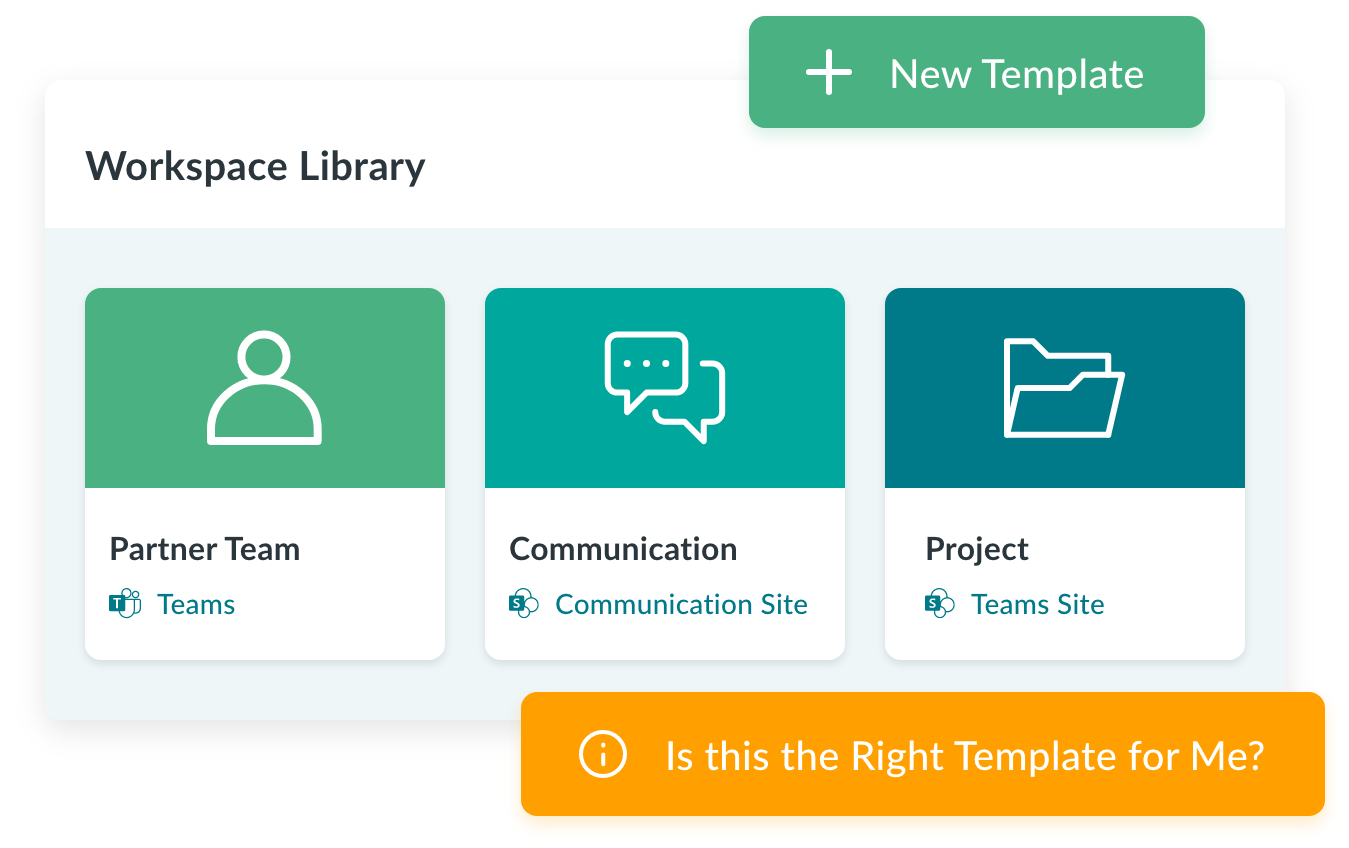
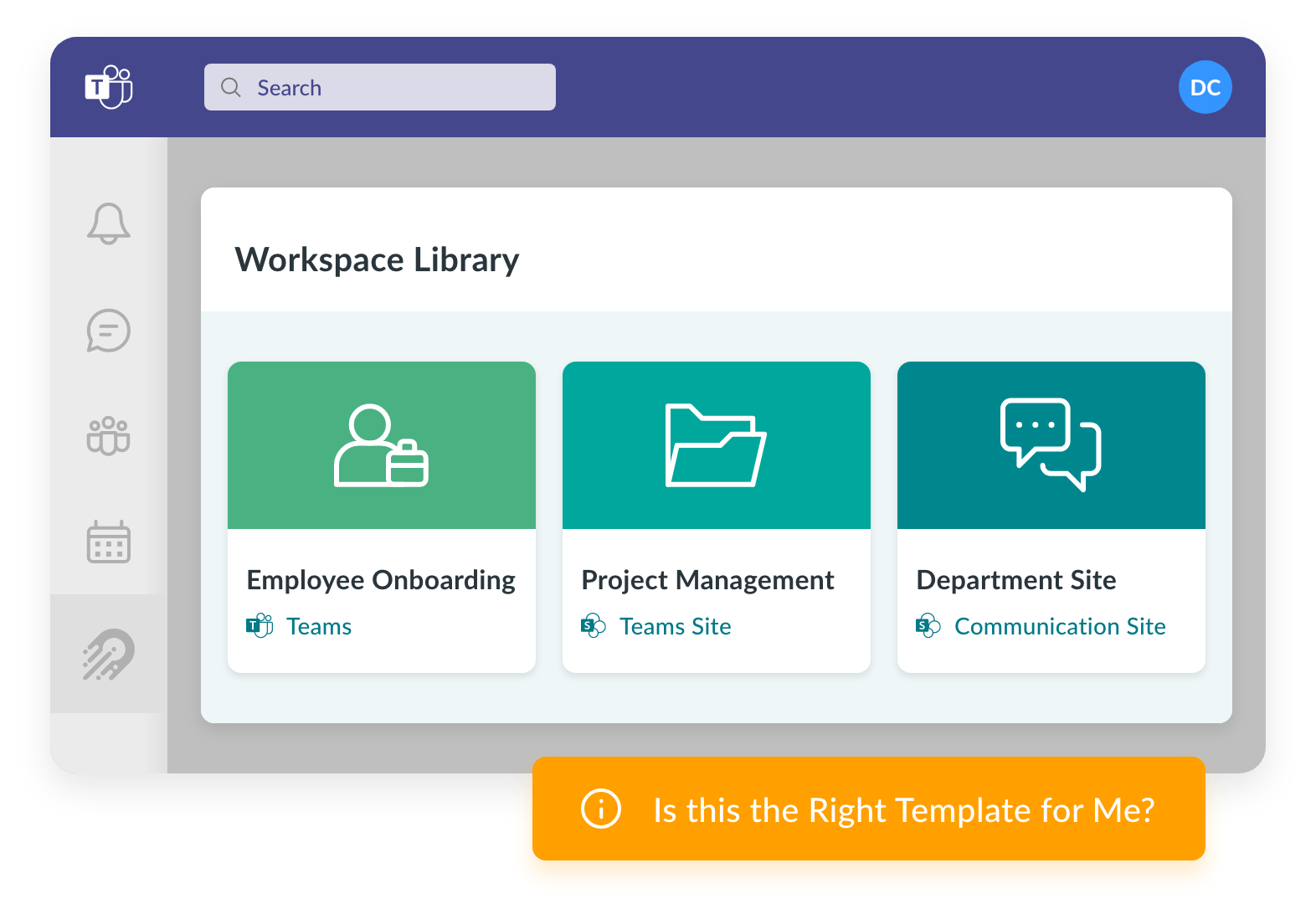
Meet the unique needs of different departments and teams by leveraging a comprehensive library of Orchestry’s business-first templates for Teams, SharePoint, and Communication sites created by M365 MVPs and validated by thousands of real users.
-
Pre-Built Teams Templates
Keep IT Simple
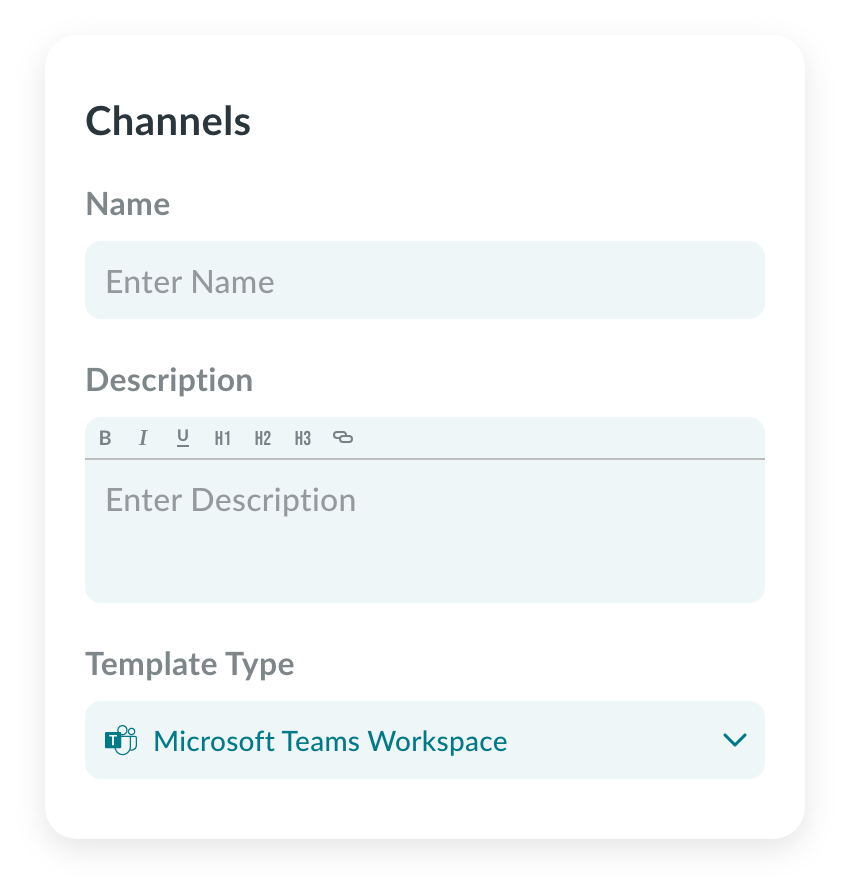
Orchestry’s Teams and SharePoint templates come preconfigured with channels, tabs, features, and integrations so your IT team can say goodbye to time-consuming Microsoft Teams configurations and “When to use what” questions from end users.
-
Workspace Standardization
Instant Business Success
Standardize common business processes including employee onboarding and offboarding, interdepartmental communication and collaboration, project management, and more.
-
Workspace Governance
Make Governance Effortless
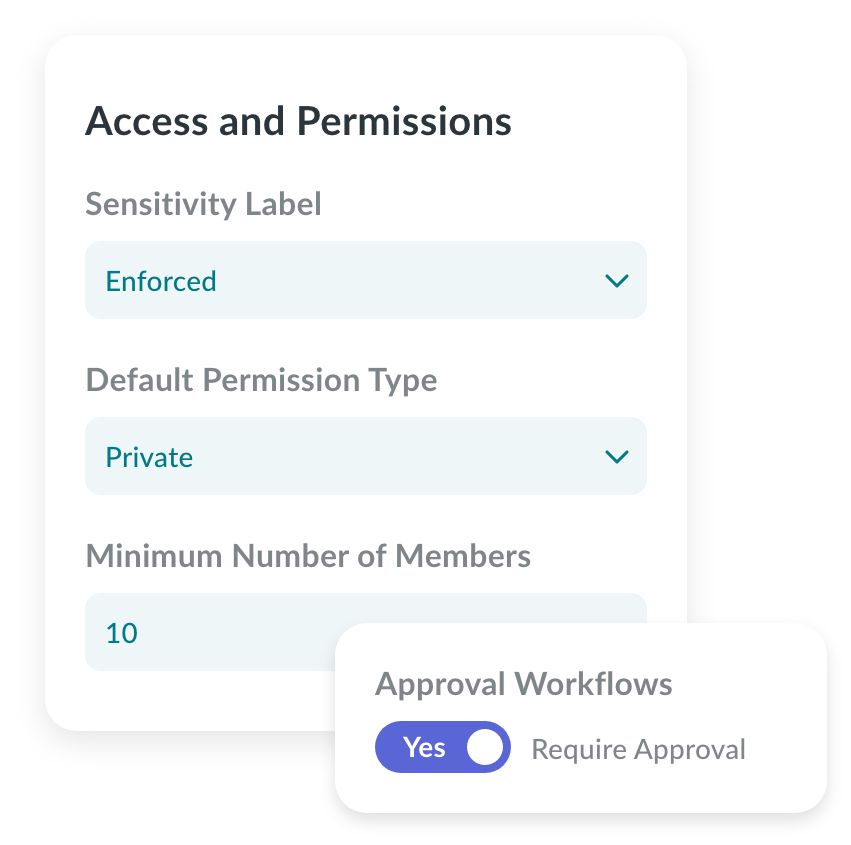
Orchestry makes Teams and SharePoint sites easy for end users to find, create, and use compliantly and securely, without having to read a single governance document.
-
Workspace Directory
Locate Content Quickly
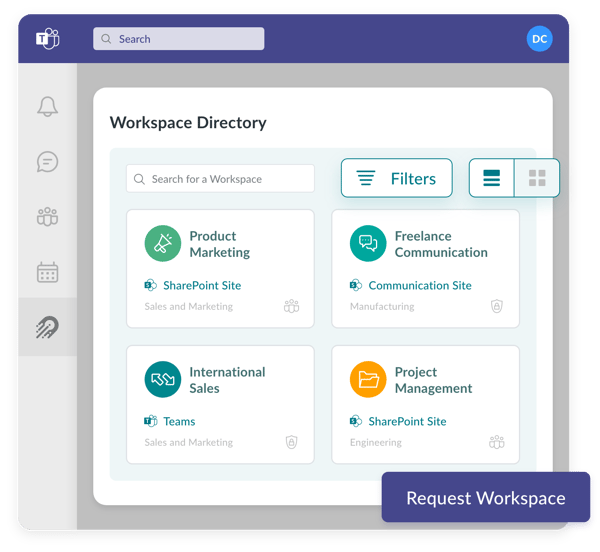
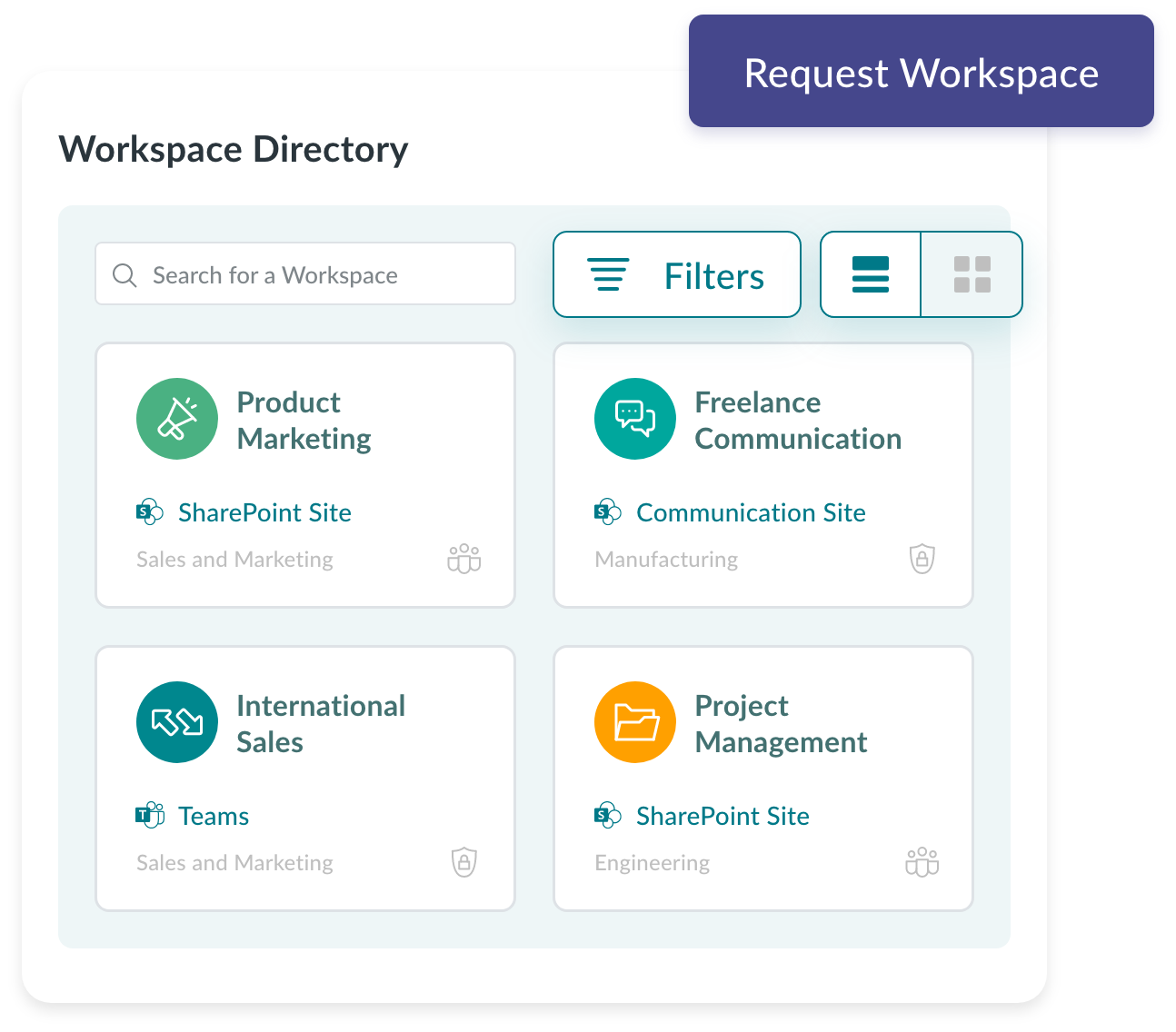
Make Teams and SharePoint sites findable with standardized naming conventions and a structured directory so end users can stop wasting time looking for content and focus on productivity and collaboration.
Streamlined Collaboration
Meet the unique needs of different departments and teams by leveraging a comprehensive library of Orchestry’s business-first templates for Teams, SharePoint, and Communication sites created by M365 MVPs and validated by thousands of real users.
Keep IT Simple
Orchestry’s Teams and SharePoint templates come preconfigured with channels, tabs, features, and integrations so your IT team can say goodbye to time-consuming Microsoft Teams configurations and “When to use what” questions from end users.
Instant Business Success
Standardize common business processes including employee onboarding and offboarding, interdepartmental communication and collaboration, project management, and more.
Make Governance Effortless
Orchestry makes Teams and SharePoint sites easy for end users to find, create, and use compliantly and securely, without having to read a single governance document.
Locate Content Quickly
Make Teams and SharePoint sites findable with standardized naming conventions and a structured directory so end users can stop wasting time looking for content and focus on productivity and collaboration.